🎃 Burning Pumpkin Explosion
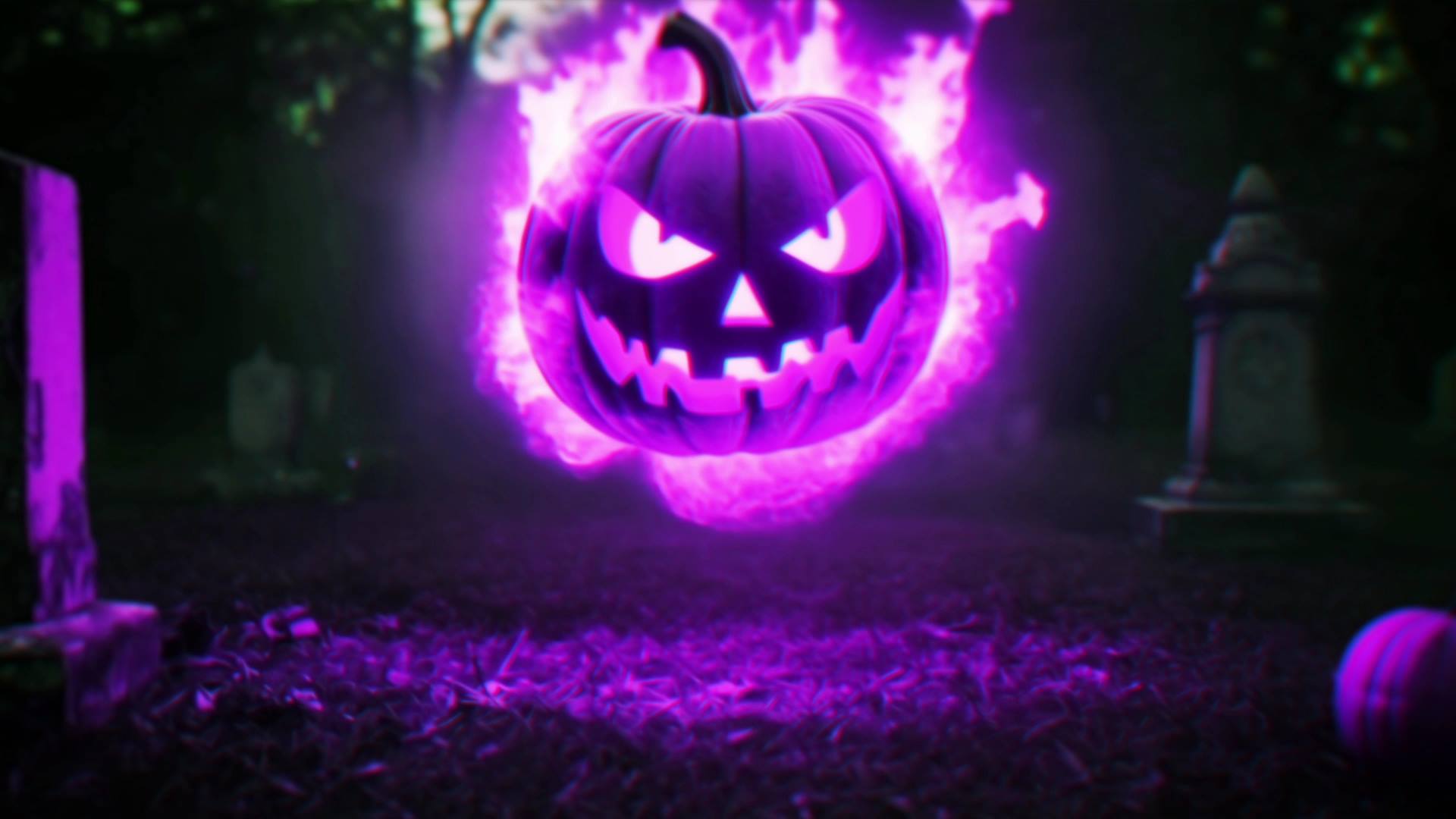
Burning Pumpkin Explosion – Fiery Halloween Reveal for After Effects
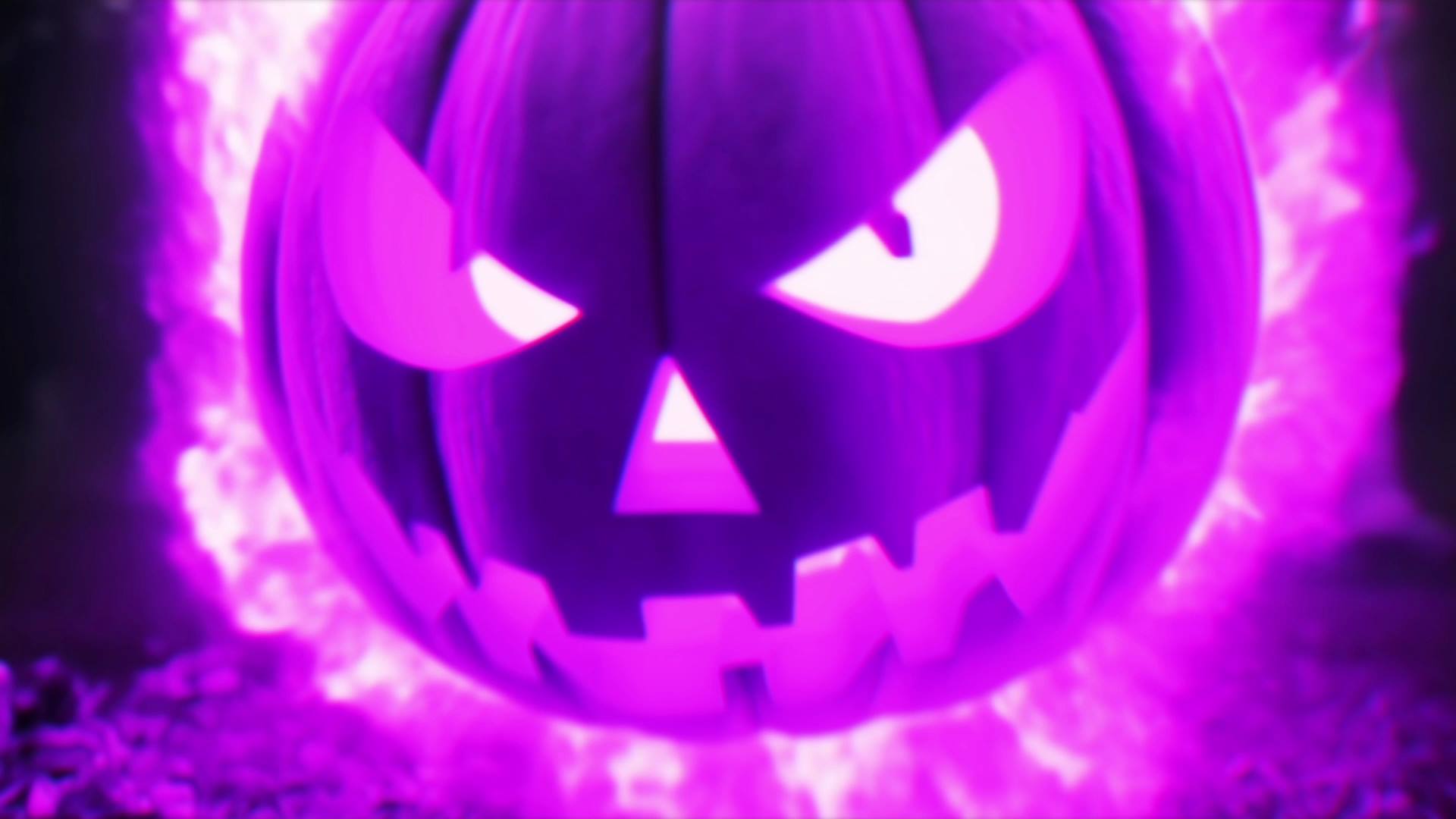
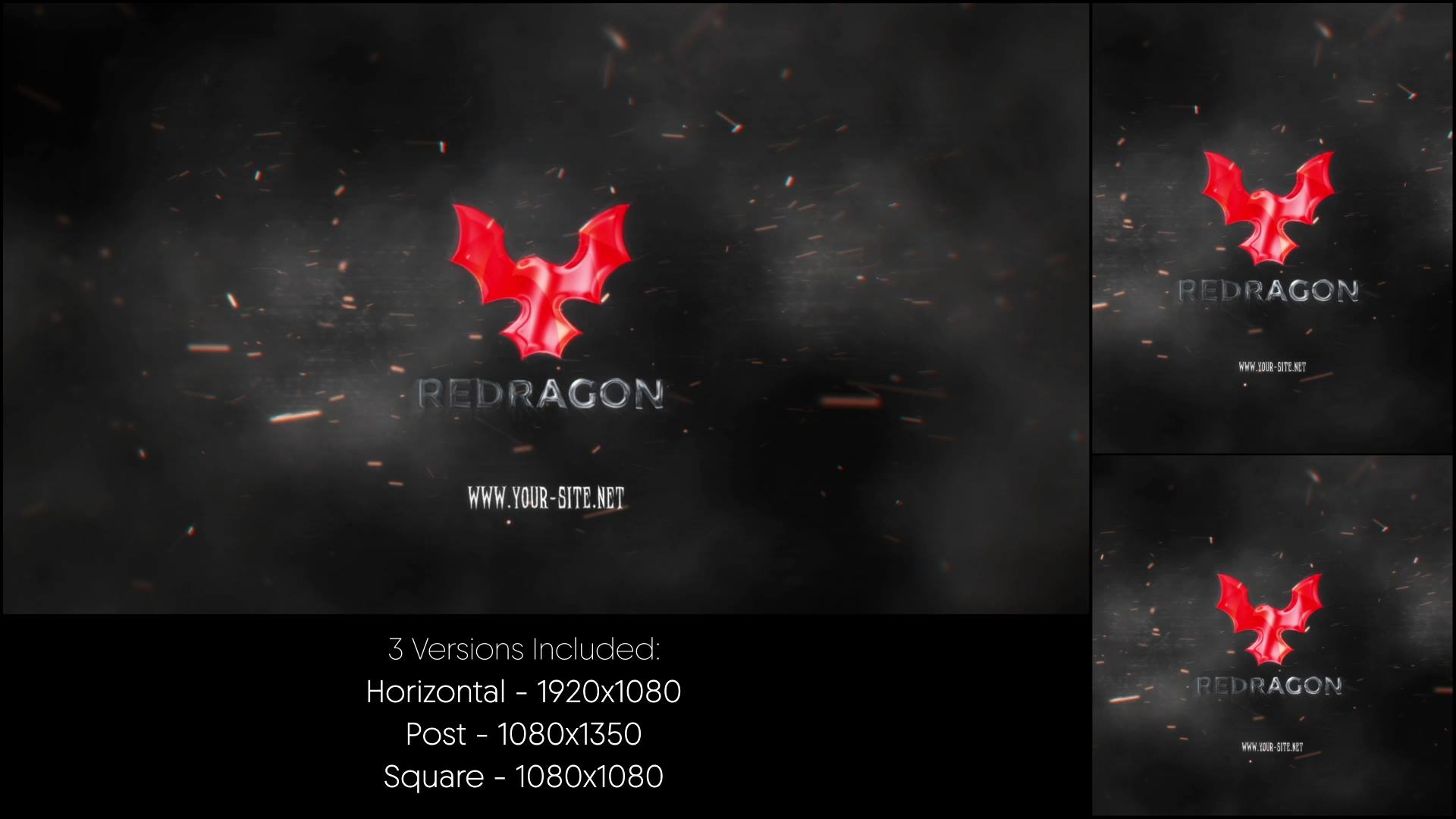
Burning Pumpkin Explosion is a high-impact After Effects template designed to deliver explosive energy, fire effects, and dramatic motion. From the first frame, the animation builds tension and intensity, which creates a powerful and cinematic reveal. As a result, your logo or message appears bold, fiery, and impossible to ignore.
🎯 Burning Pumpkin Explosion Reveal for Halloween Branding
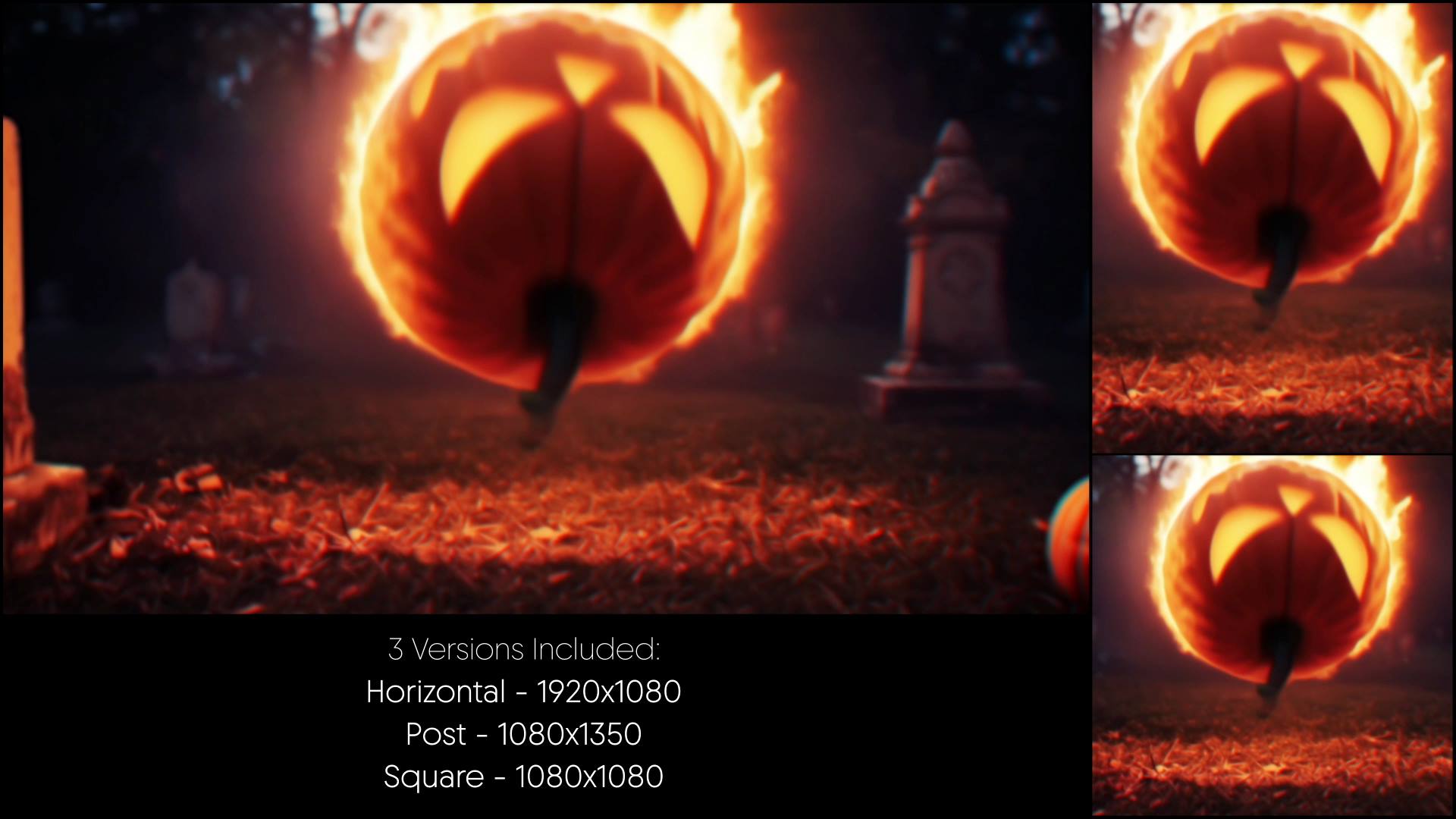
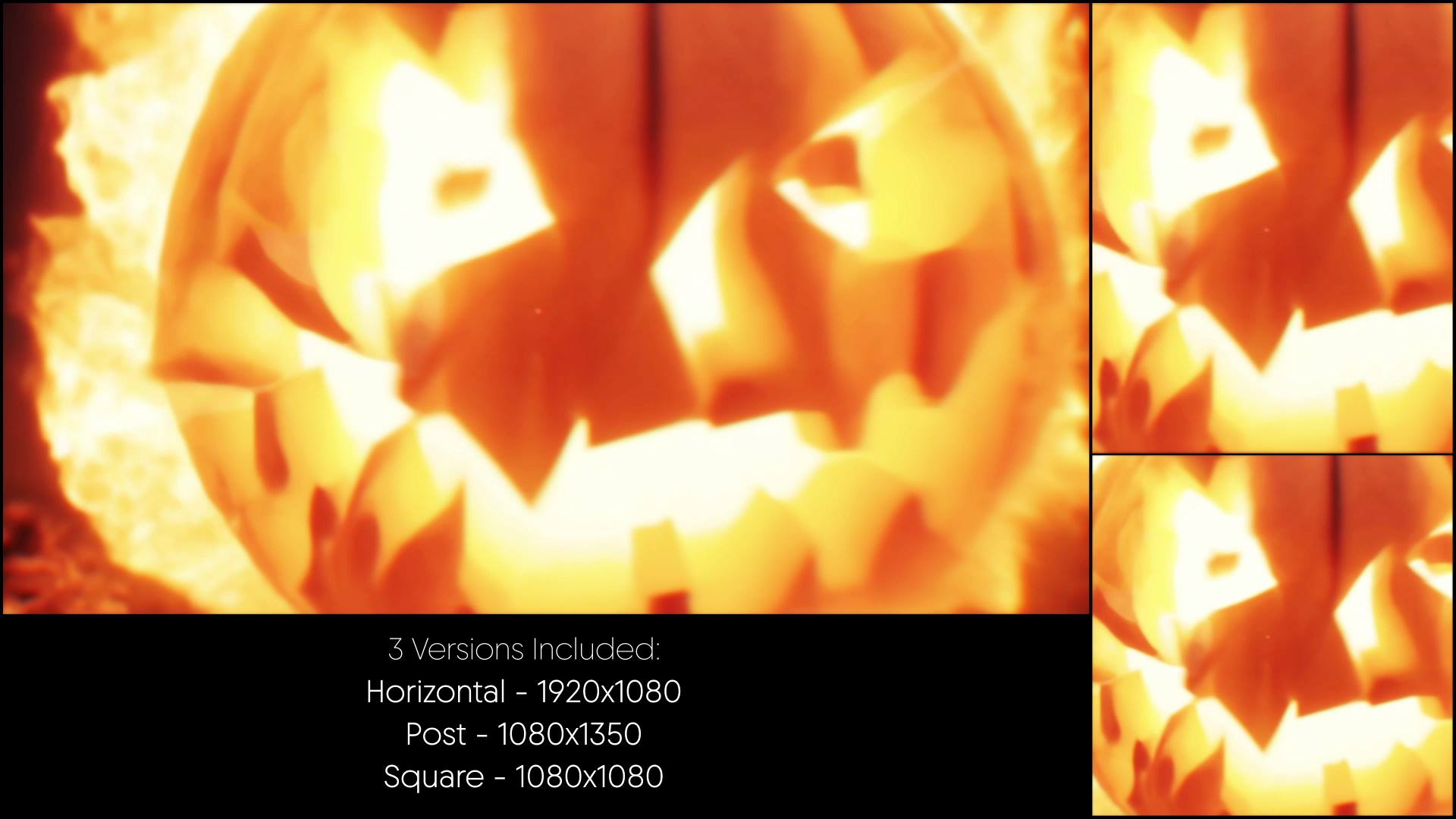
The animation erupts through flames, sparks, and explosive motion centered around a burning pumpkin effect. Because each element enters with strong timing and direction, the viewer stays fully engaged. Moreover, the dynamic buildup increases excitement and leads naturally to a striking final reveal.
🎬 Flexible Editing Inside After Effects
The project supports After Effects CC21 and above and features a clean, well-organized timeline. Therefore, you can easily replace logos, text, and colors to fit your Halloween theme or brand identity. In addition, timing controls allow precise adjustments, so you can fine-tune the explosion intensity and pacing.
🕯 Ideal for Halloween, Horror, and Seasonal Projects
This reveal works perfectly for Halloween promos, horror branding, spooky events, and seasonal campaigns. Whether you open a video, promote an event, or introduce a themed brand, the animation delivers drama and atmosphere. At the same time, the structured layout keeps the message clear and visually powerful.
✨ Fiery and Explosive Visual Style
The visual design combines fire bursts, glowing embers, smoke accents, and explosive motion details. As a result, the animation creates depth and realism without visual overload. Moreover, the balanced pacing supports cinematic storytelling and keeps attention locked on the reveal.
📱 Easy Editing and Online Customization
You can edit Burning Pumpkin Explosion directly in After Effects for full flexibility. If you prefer a faster workflow, you can also customize the template through the Videobolt online editor. Both options help you deliver polished results with minimal setup time.
For more Halloween reveals, seasonal templates, and motion graphics resources, visit motionbank21.com.