🔥 Epic Stone In Fire
Epic Stone In Fire – Powerful Cinematic Logo Reveal for After Effects
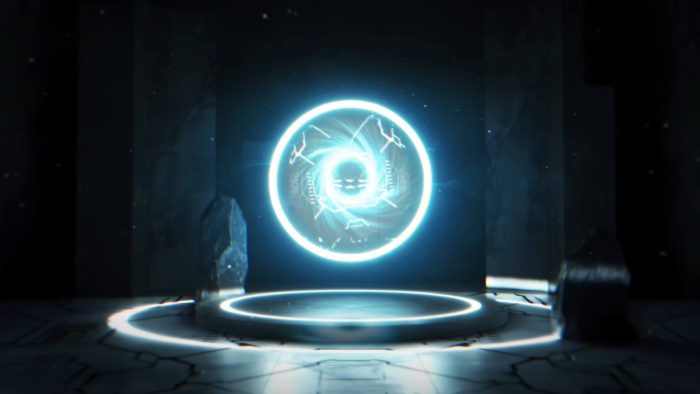
Epic Stone In Fire is a dramatic After Effects template built around raw power, heat, and solid stone motion. From the opening moment, the animation establishes intensity and scale, which creates a strong cinematic presence. As a result, your logo or message appears bold, grounded, and visually commanding.
🎯 Epic Stone In Fire Reveal for Powerful Branding
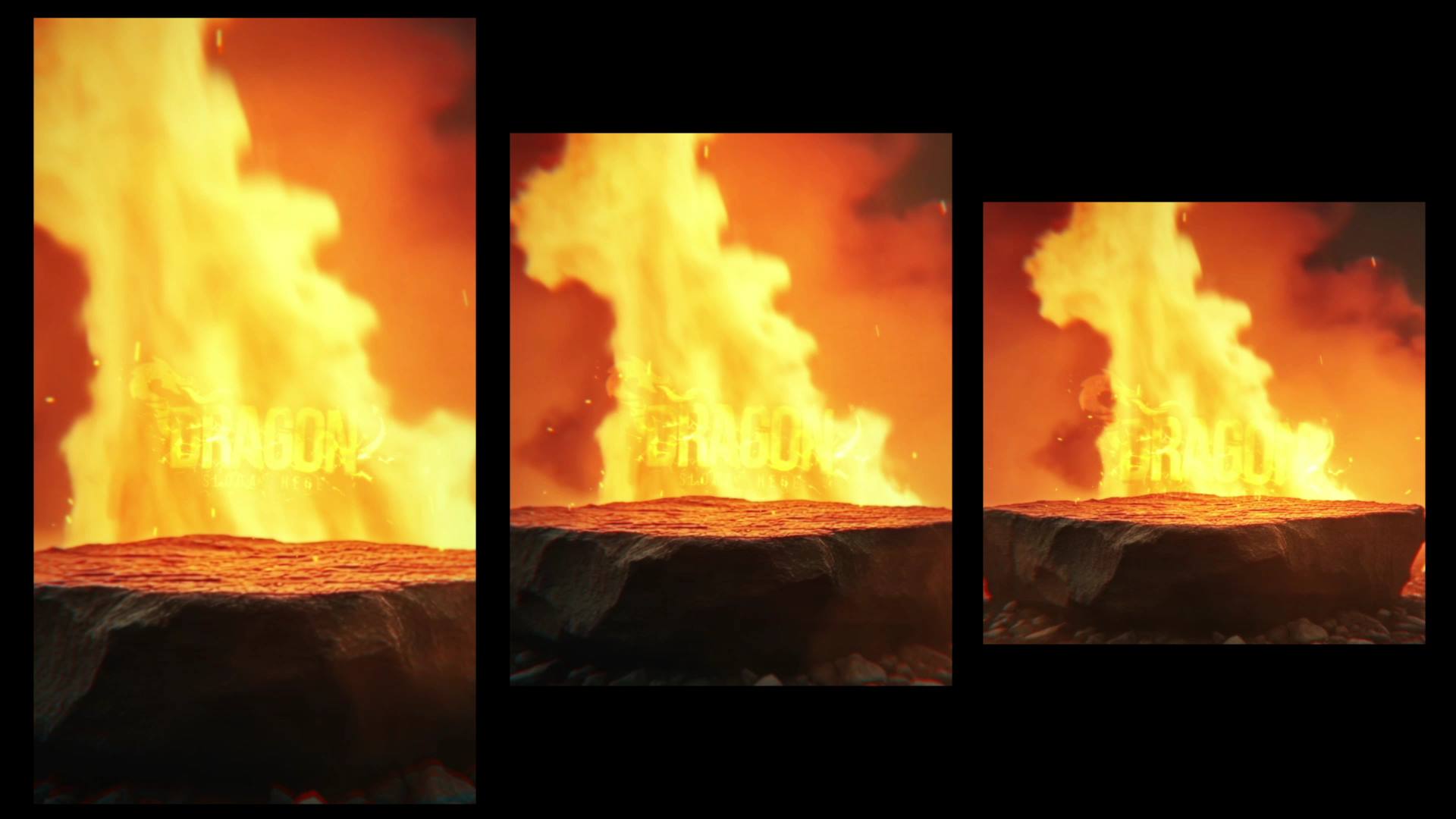
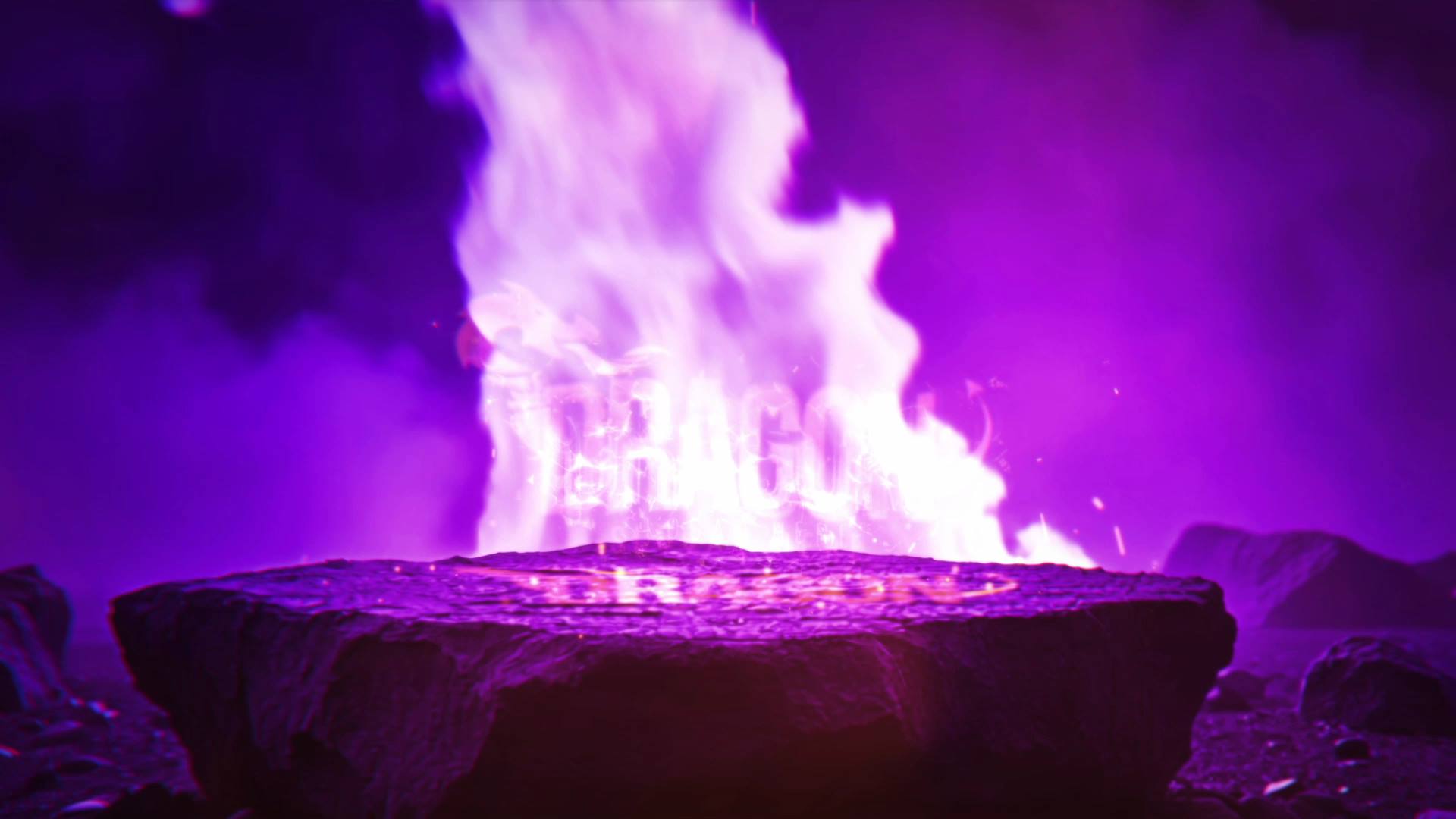
The animation pushes through cracked stone surfaces and fiery accents with controlled camera movement. Because each transition follows a clear and deliberate rhythm, the viewer stays focused on the reveal. Moreover, the gradual build enhances impact and reinforces a sense of strength and permanence.
🎬 Flexible Editing Inside After Effects
The project supports After Effects CC21 and above and features a clean, well-organized timeline. Therefore, you can easily replace logos, text, and colors to match your brand identity. In addition, timing controls allow precise adjustments, so you can shape the intensity to fit different projects.
🏔 Ideal for Epic, Cinematic, and Powerful Projects
This reveal works perfectly for epic branding, trailers, gaming intros, movie-style openers, and bold brand identities. Whether you introduce a logo, open a cinematic video, or launch a dramatic campaign, the animation delivers weight and authority. At the same time, the structured motion keeps the presentation clear and impactful.
✨ Fire and Stone Cinematic Visual Style
The visual design combines burning fire effects, stone textures, sparks, and heavy motion accents. As a result, the animation creates depth and realism without visual overload. Moreover, the balanced pacing supports a cinematic flow and keeps attention locked on the final reveal.
📱 Easy Editing and Online Customization
You can edit Brush Slideshow Intro directly in After Effects for full flexibility. If you prefer a faster workflow, you can also customize the template through the Videobolt online editor. Both options help you deliver polished results with minimal setup time.
For more creative slideshow templates and motion graphics resources, visit motionbank21.com.