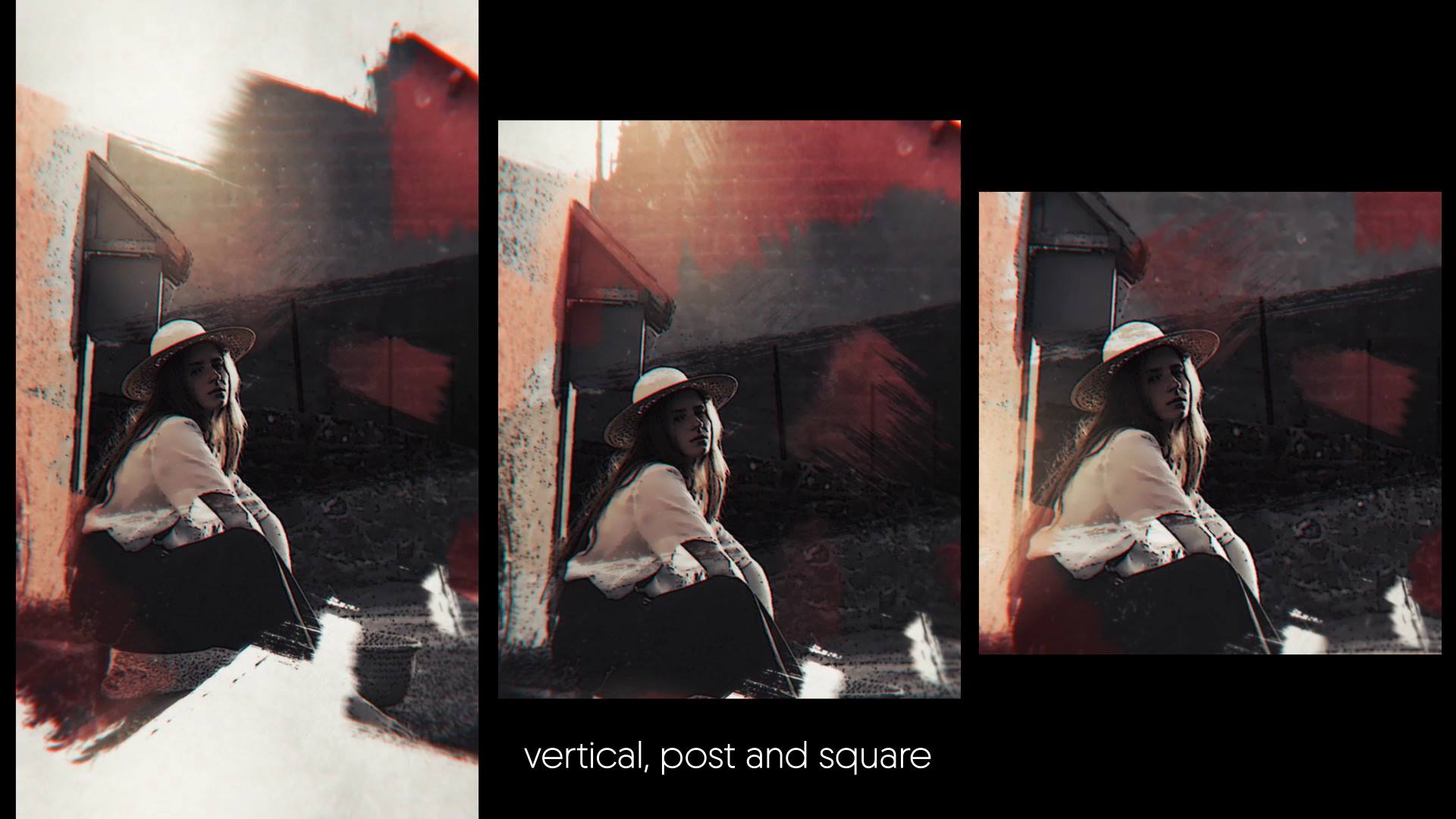
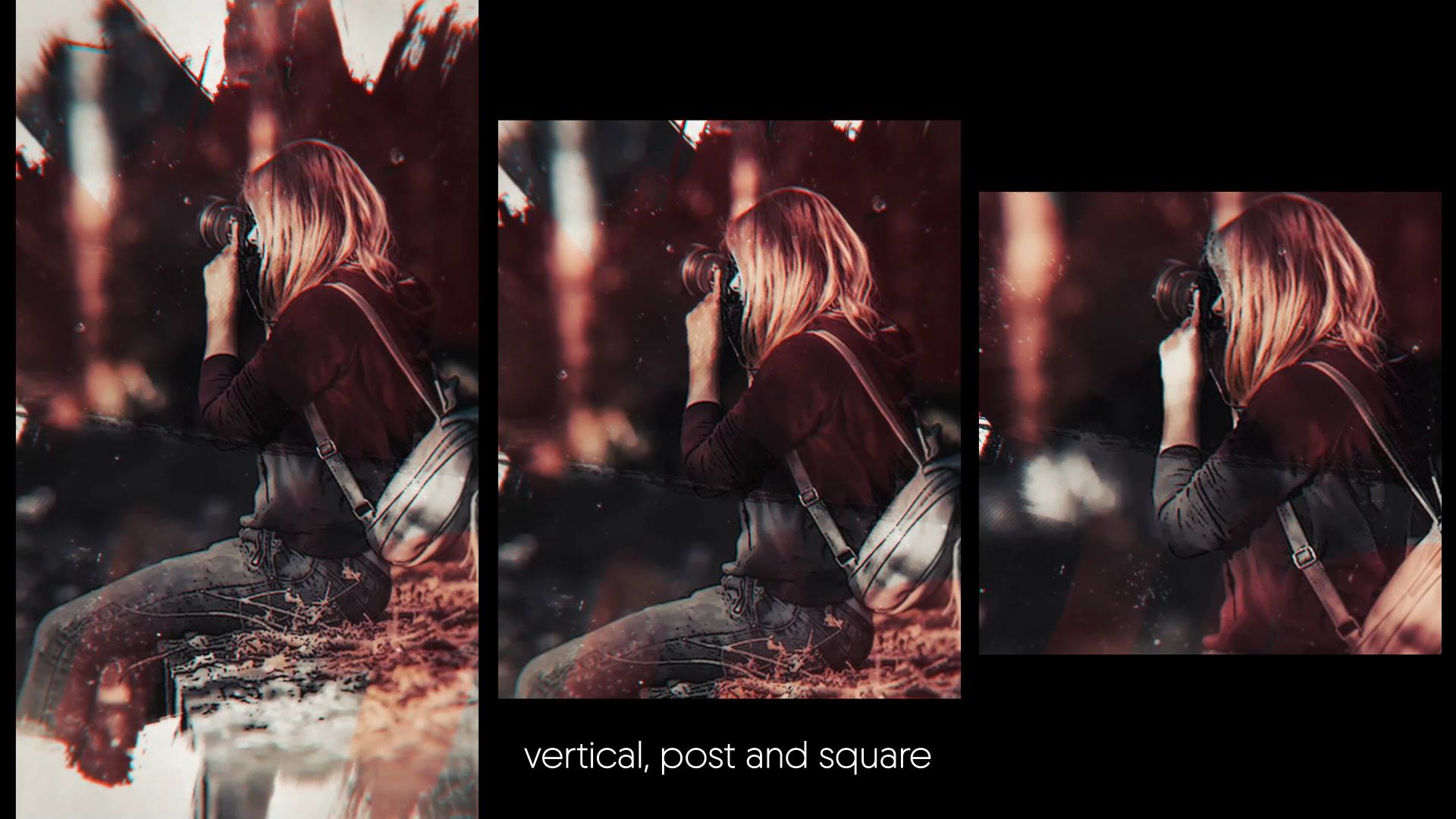
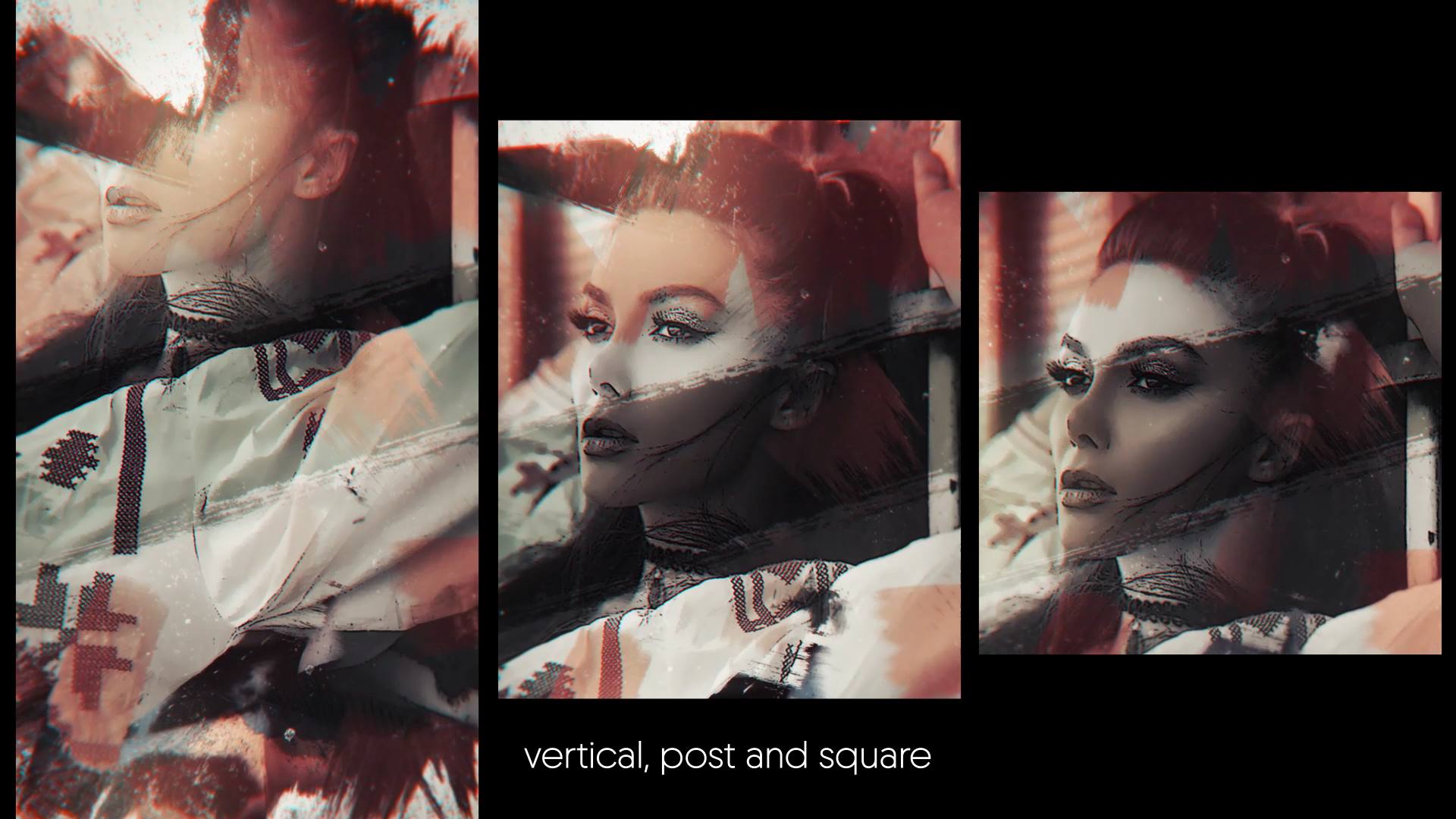
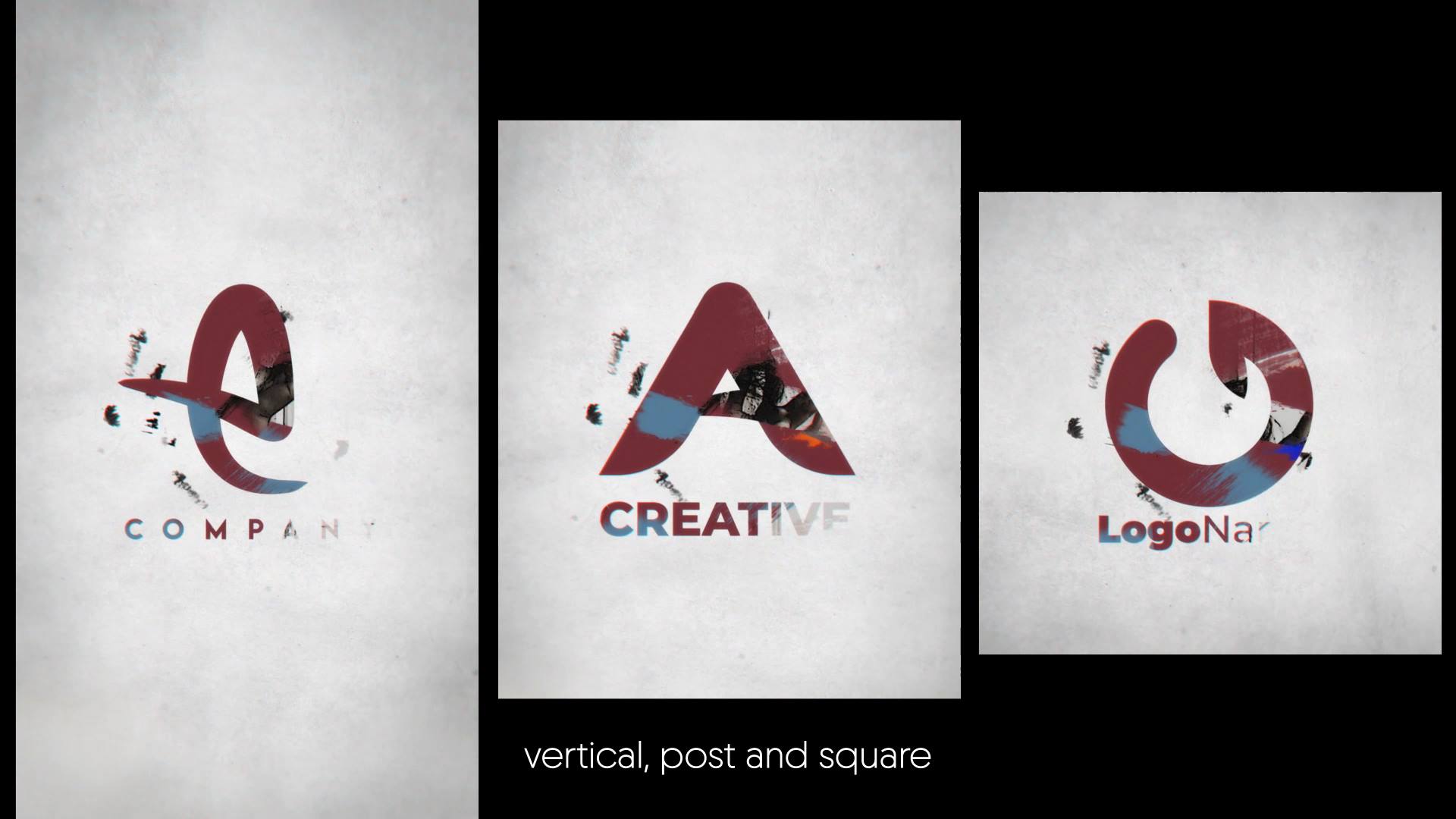
🎨 Brush Slideshow Intro
Brush Slideshow Intro – Artistic Paint Style Slideshow for After Effects
Brush Slideshow Intro is a creative After Effects template designed to showcase photos and videos through expressive brush strokes and smooth motion. The animation adds character and emotion, helping your content feel personal, artistic, and visually engaging from the first frame.
🎯 Brush Slideshow Intro After Effects Template for Creative Storytelling
This template uses dynamic paint transitions to guide the viewer through your media. The animation flows naturally from one scene to the next and keeps attention focused on your visuals. Because the motion follows a clear rhythm, your story unfolds smoothly and feels intentional.
🎬 Full Creative Control in After Effects
The template works with After Effects CC21 and above and features a clean, well-structured timeline. You can quickly replace images, videos, and text to match your project. You can also adjust colors and timing to align the slideshow with your brand or mood.
🖌 Ideal for Artistic, Travel, and Personal Projects
Fits perfectly with creative portfolios, travel memories, lifestyle stories, and emotional presentations. Whether you present a brand story or a personal moment, the brush-style animation adds warmth and originality to your visuals.
✨ Expressive Brush-Based Visual Style
The design combines hand-painted brush elements with smooth transitions and subtle motion accents. These details enhance texture and depth while keeping the focus on your content. The visual style feels organic, modern, and carefully balanced.
📱 Easy Editing and Online Customization
You can edit Brush Slideshow Intro directly in After Effects for full flexibility. If you prefer a faster workflow, you can also customize the template through the Videobolt online editor. Both options help you deliver polished results with minimal setup time.
For more creative slideshow templates and motion graphics resources, visit motionbank21.com.