📐 Blueprint Engineer Slideshow
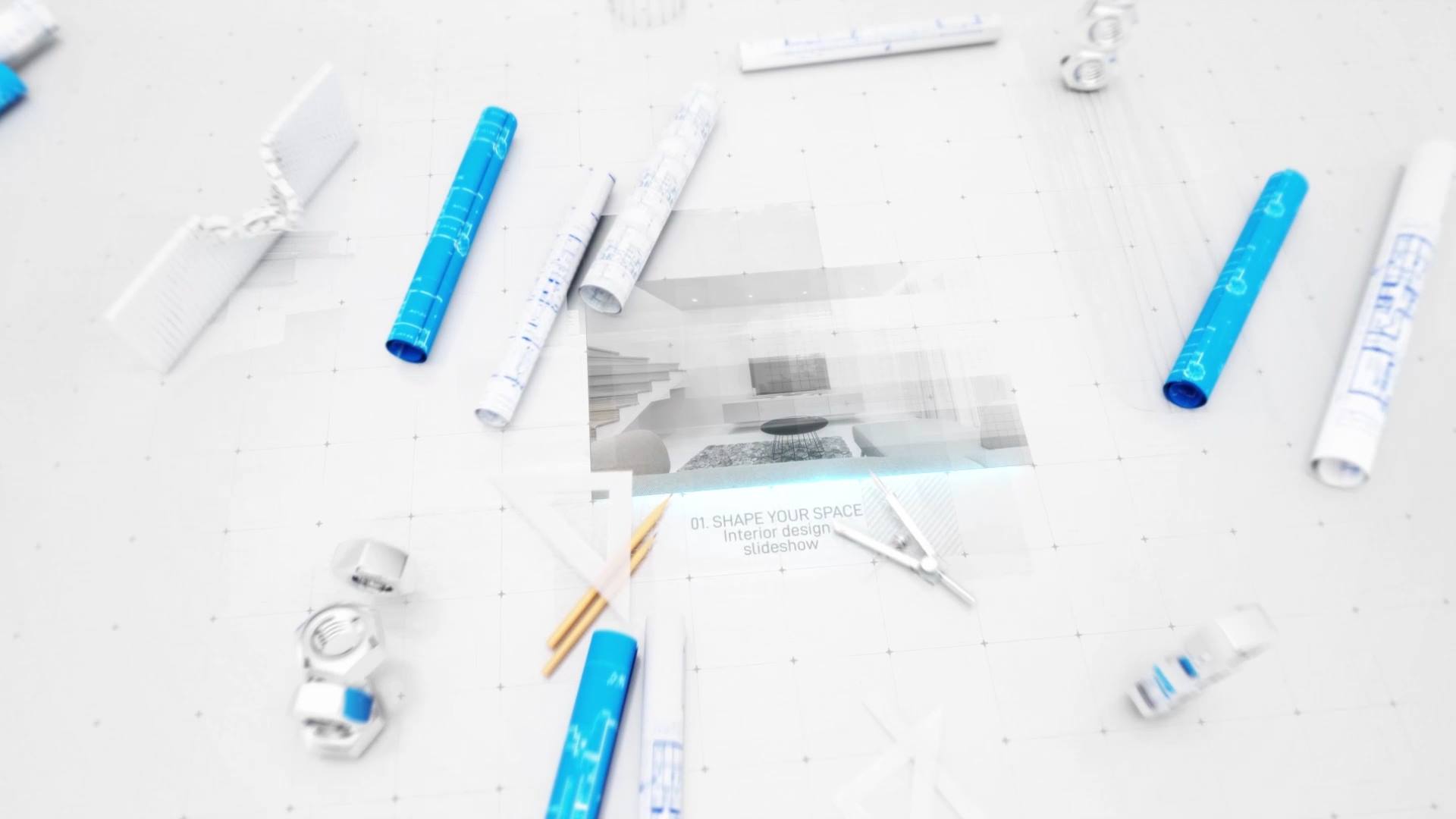
Blueprint Engineer Slideshow – Technical Blueprint Presentation for After Effects
Blueprint Engineer Slideshow is a professional After Effects template created for technical storytelling and structured visual presentations. From the opening scene, the animation introduces blueprint grids, precise motion, and a clear visual hierarchy. As a result, your content appears accurate, reliable, and engineered with purpose.
🎯 Blueprint Engineer Slideshow for Technical Visual Storytelling
The slideshow builds each scene through blueprint lines, layout guides, and smooth schematic transitions. Because every element appears in a logical order, the viewer easily follows the presentation. Moreover, the steady pacing improves readability and reinforces a professional technical tone.
🎬 Flexible Editing Inside After Effects
The project supports After Effects CC21 and above and features a clean, well-organized timeline. Therefore, you can quickly replace images, videos, text, and colors to match your project requirements. In addition, timing controls allow precise adjustments, so the slideshow adapts smoothly to different presentation lengths.
🏗 Ideal for Engineering, Architecture, and Corporate Projects
This slideshow works perfectly for engineering firms, architecture studios, construction companies, technical portfolios, and corporate presentations. Whether you present a project, explain a process, or showcase technical work, the animation delivers structure and clarity. At the same time, the organized layout keeps information easy to understand.
✨ Blueprint and Technical Visual Style
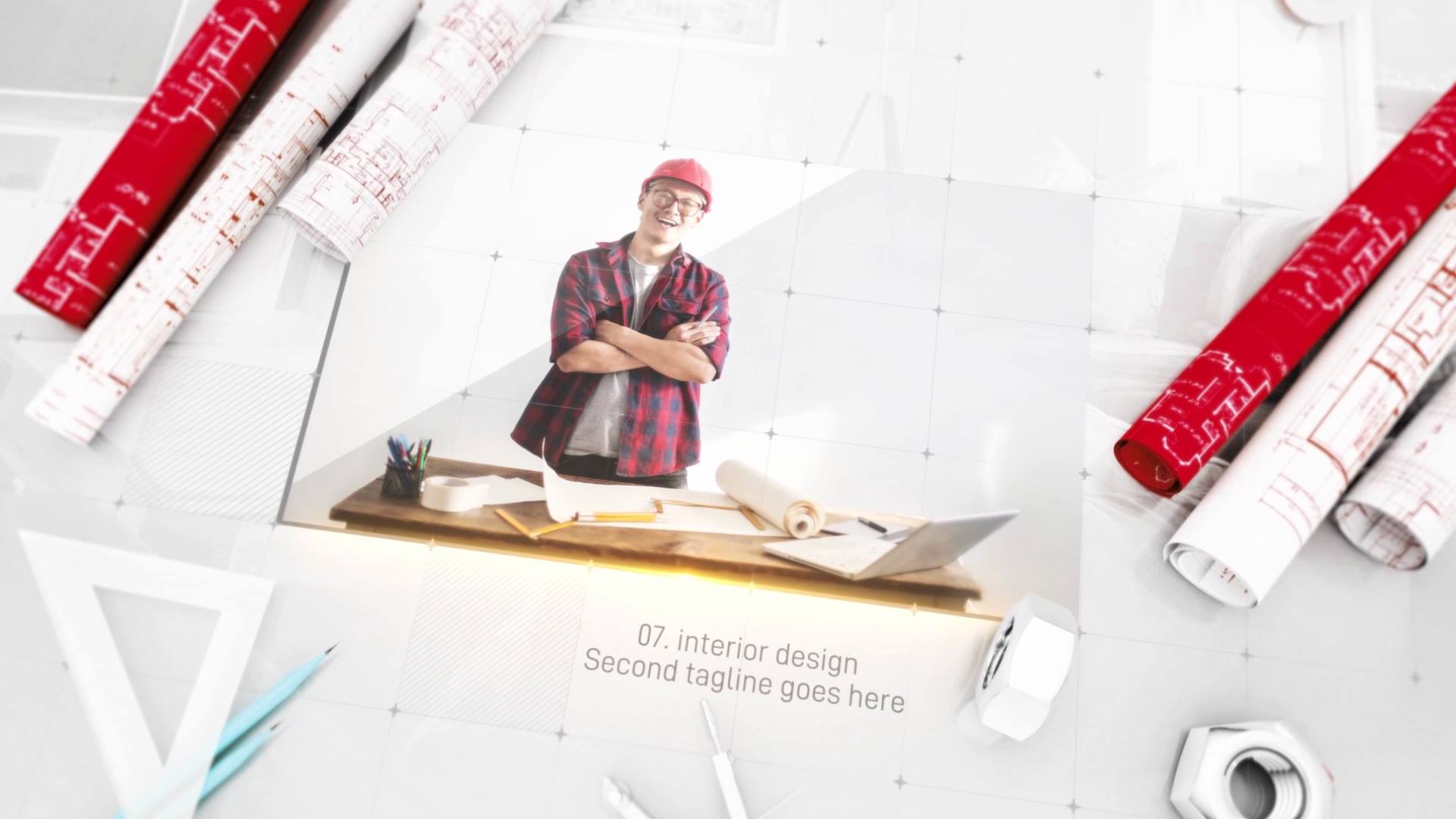
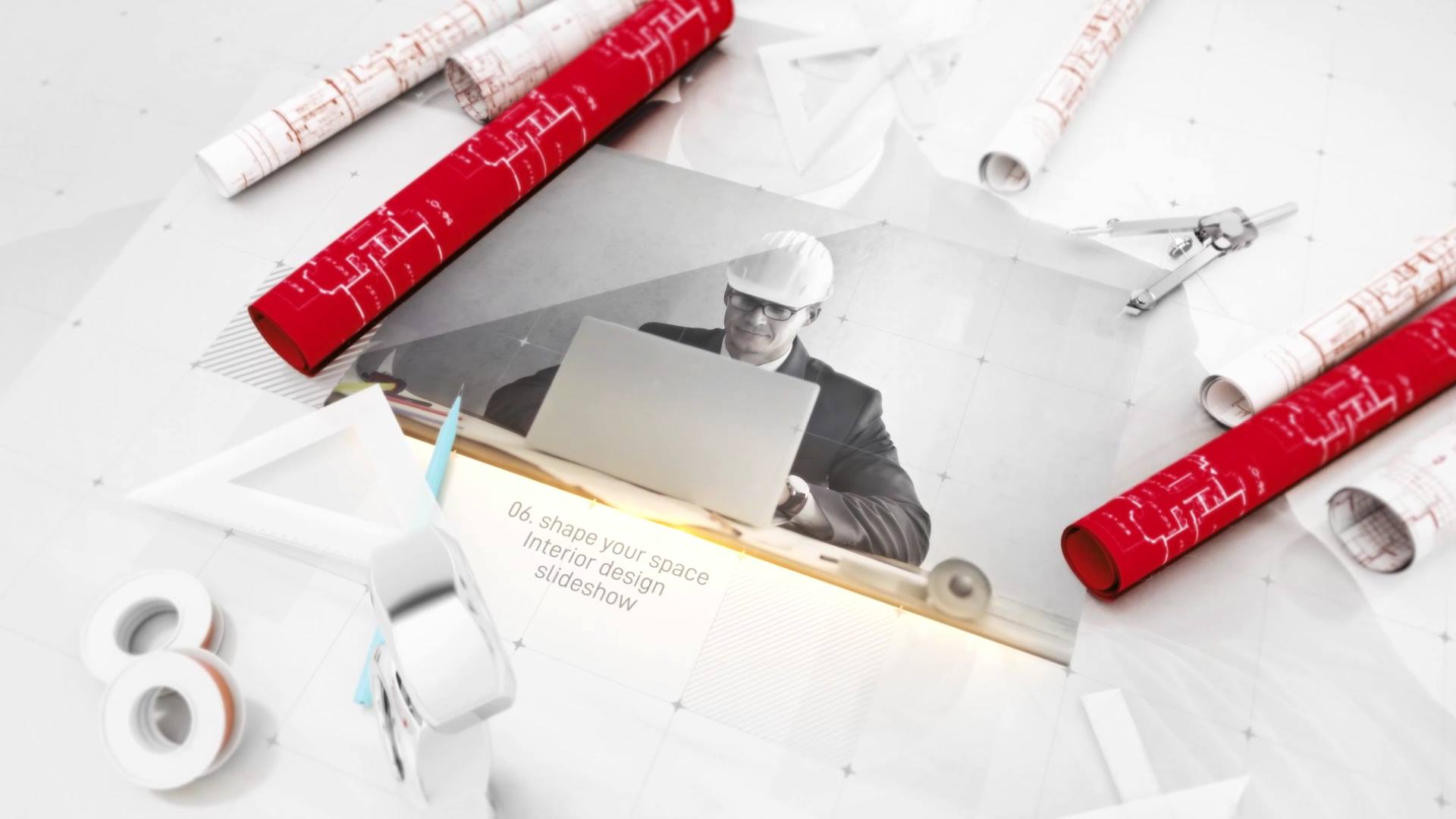
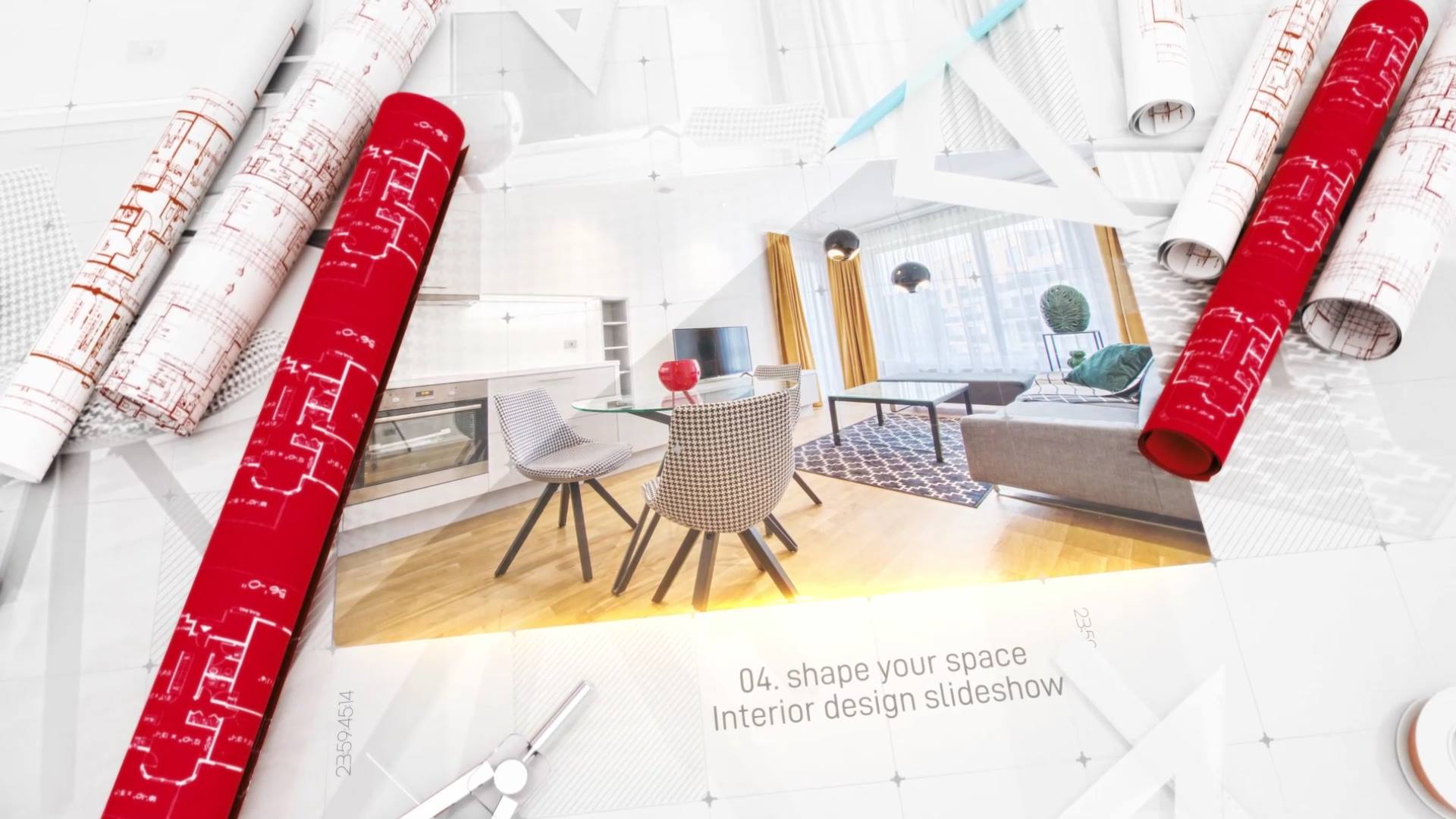
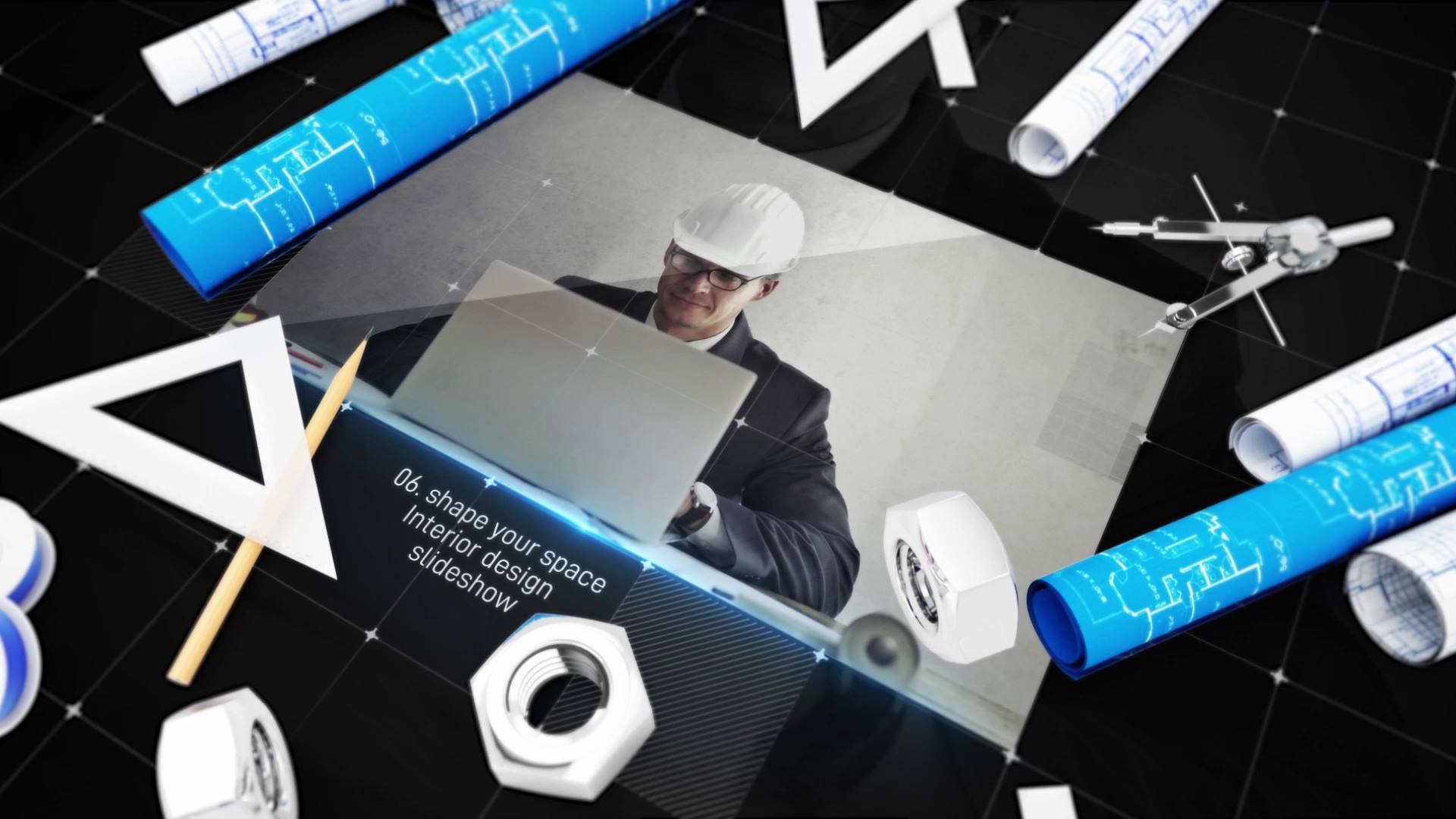
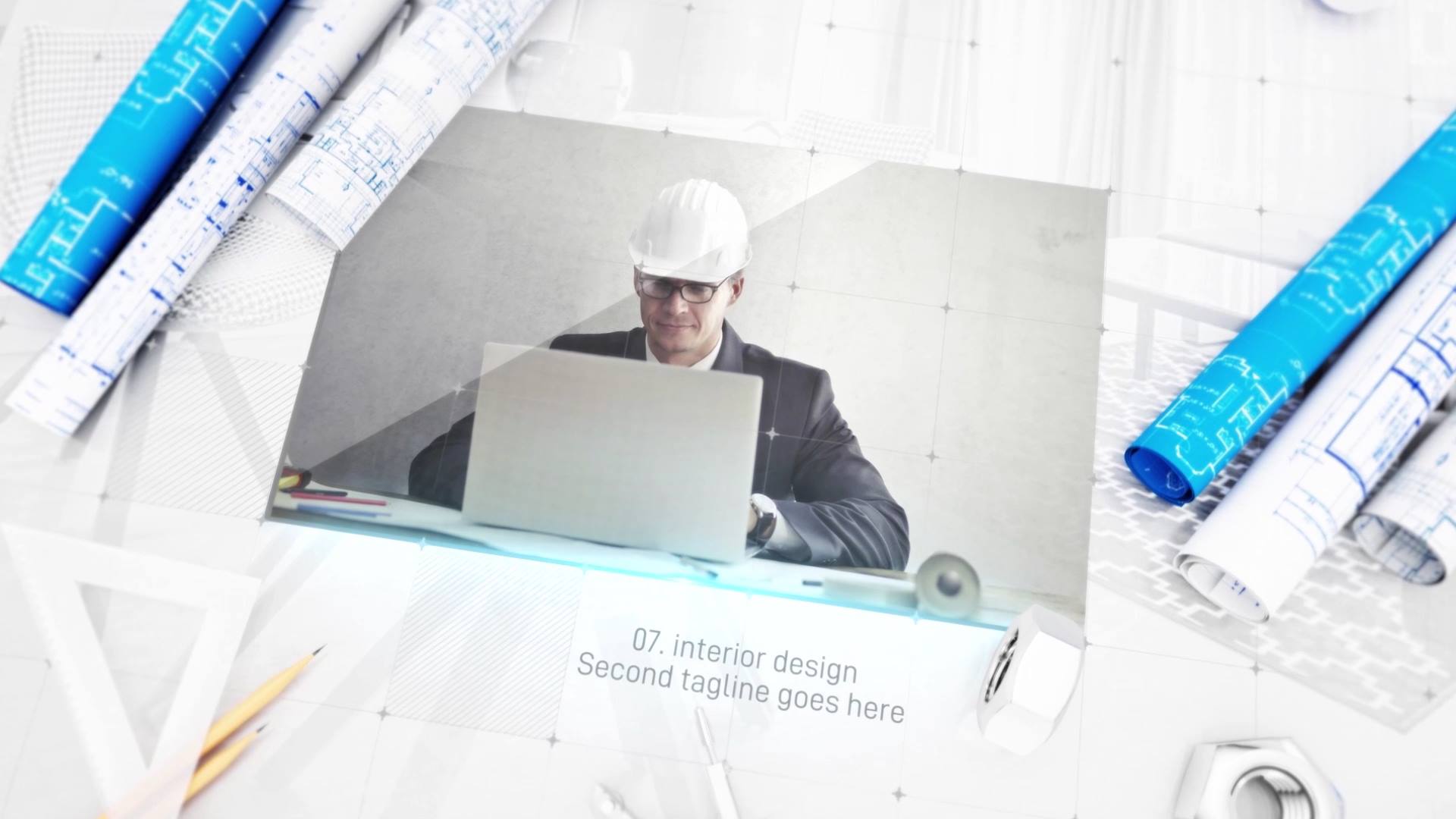
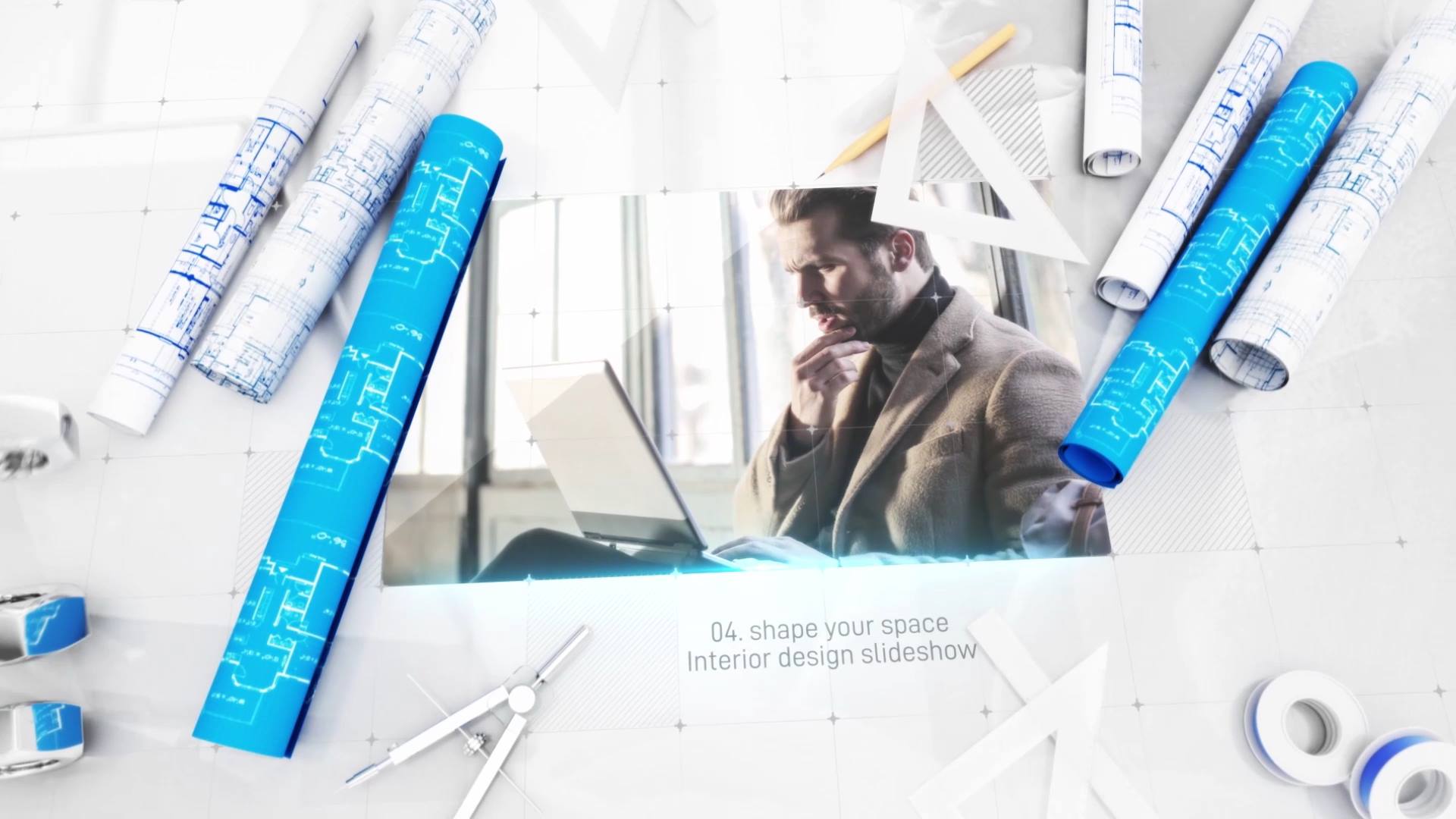
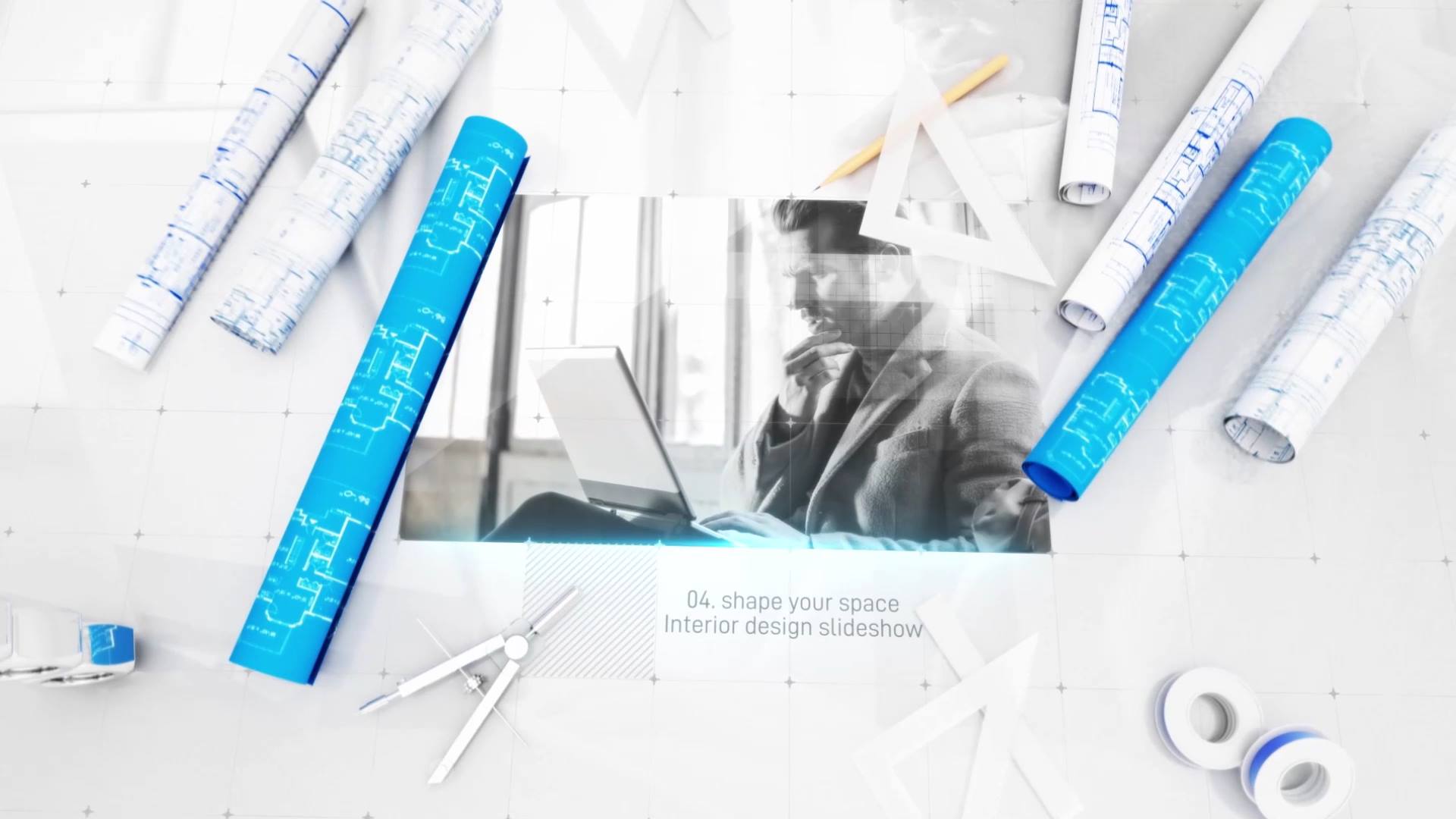
The visual design combines blueprint grids, schematic lines, subtle motion accents, and clean typography. As a result, the animation feels technical without visual overload. Moreover, the balanced composition supports professional storytelling and a precise, engineered aesthetic.
📱 Easy Editing and Online Customization
You can edit Blueprint Engineer Slideshow directly in After Effects for full flexibility. If you prefer a faster workflow, you can also customize the template through the Videobolt online editor. Both options help you deliver polished results with minimal setup time.
For more technical slideshows, blueprint templates, and motion graphics resources, visit motionbank21.com.