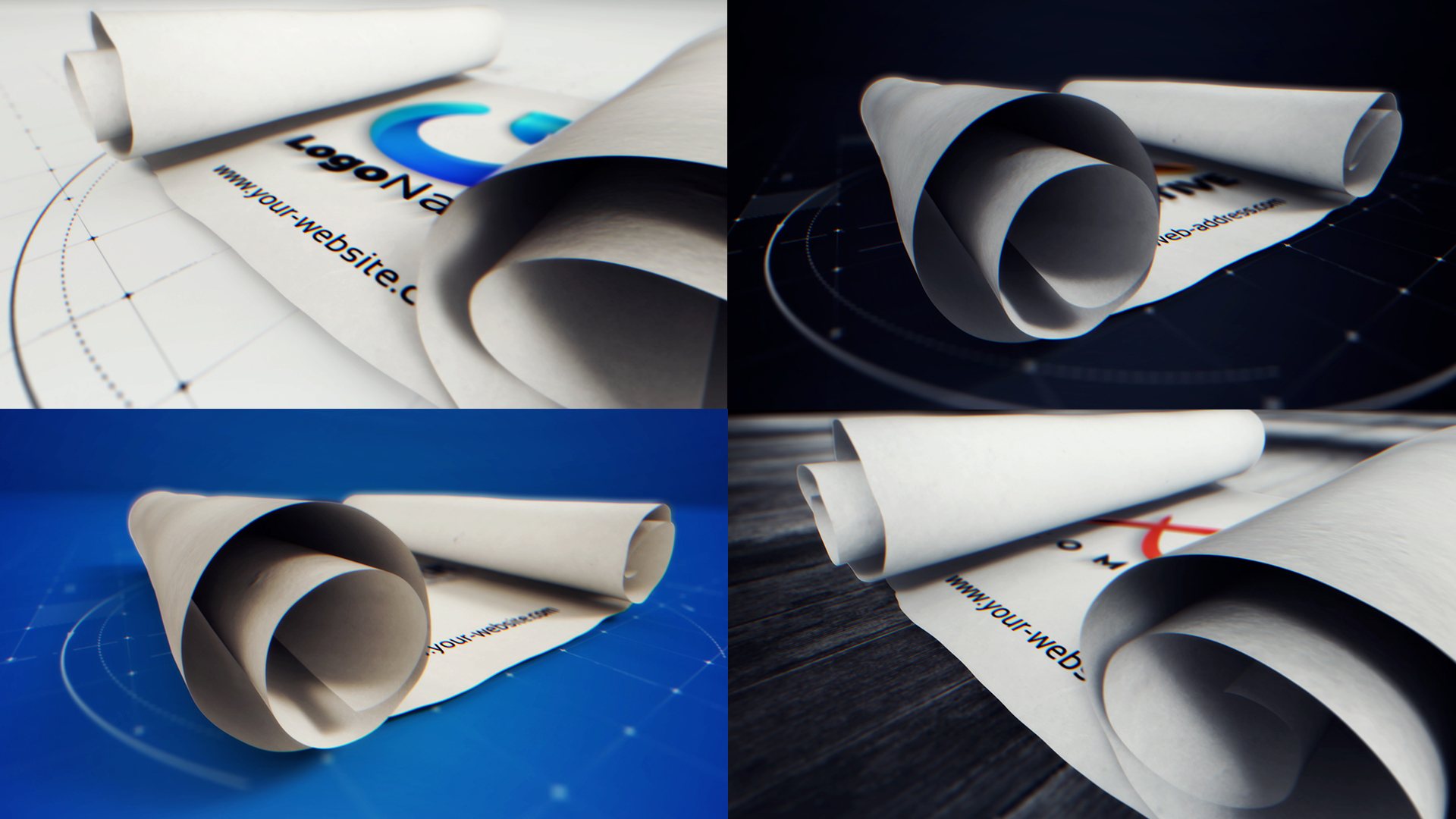
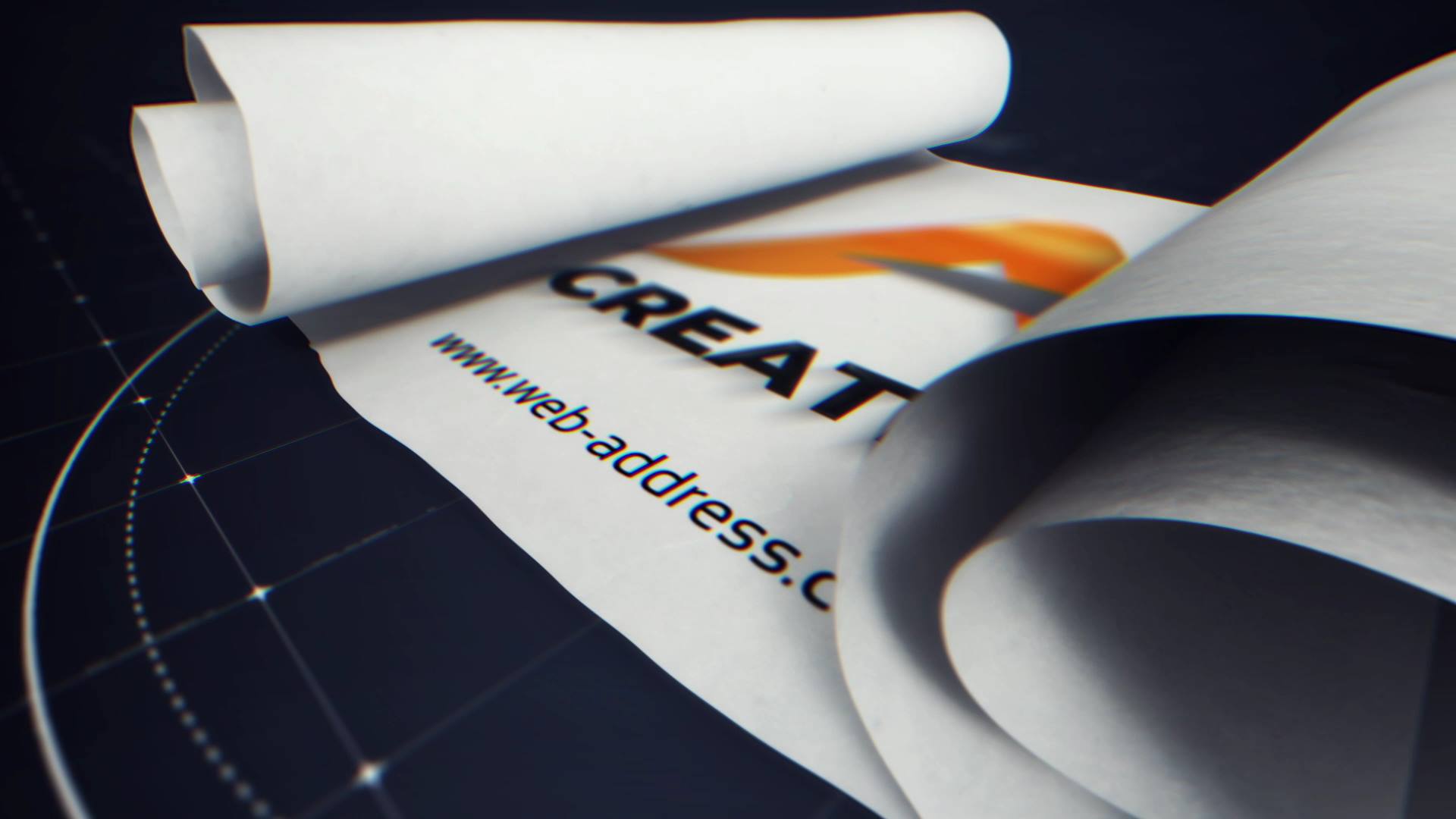
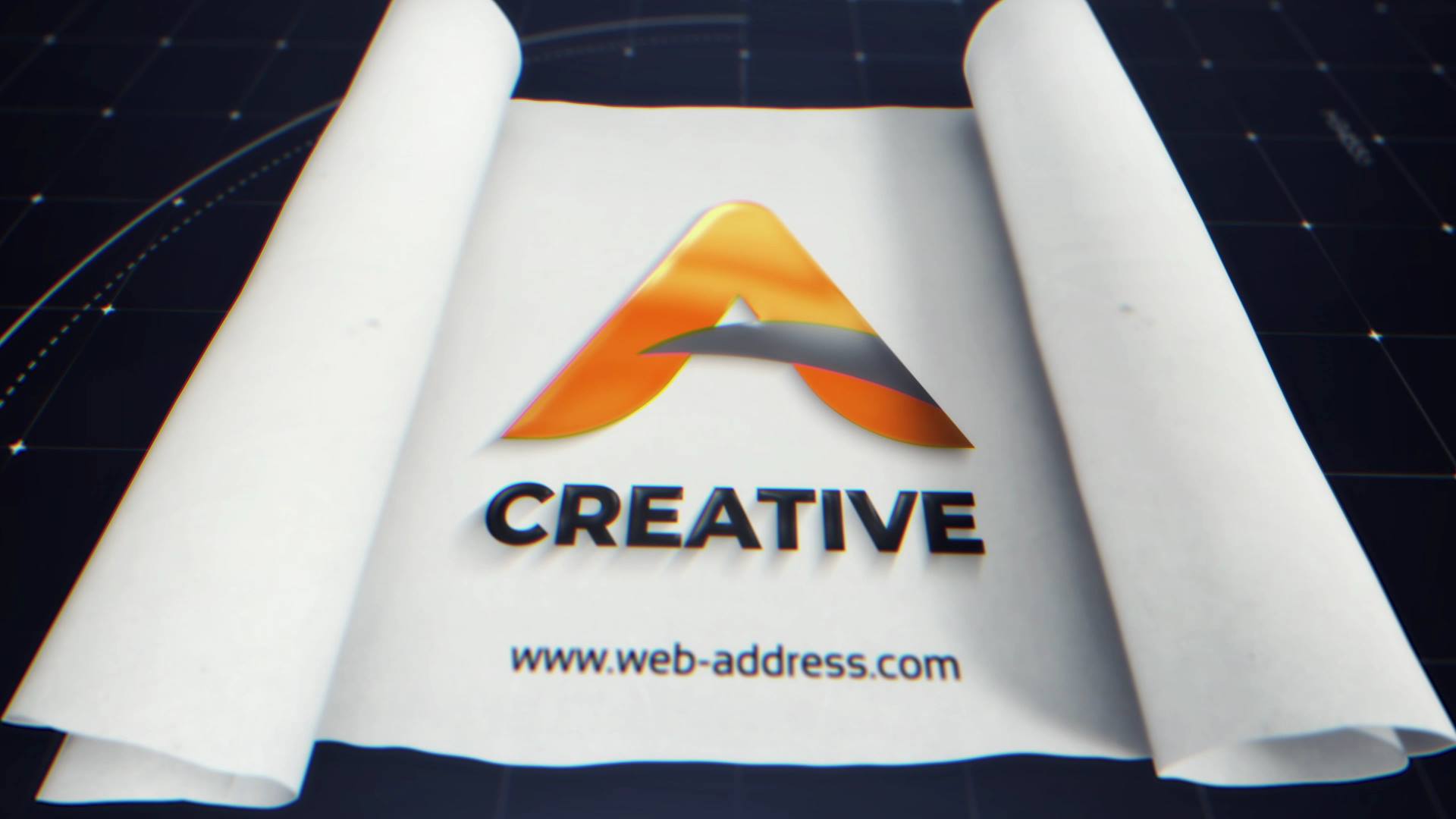
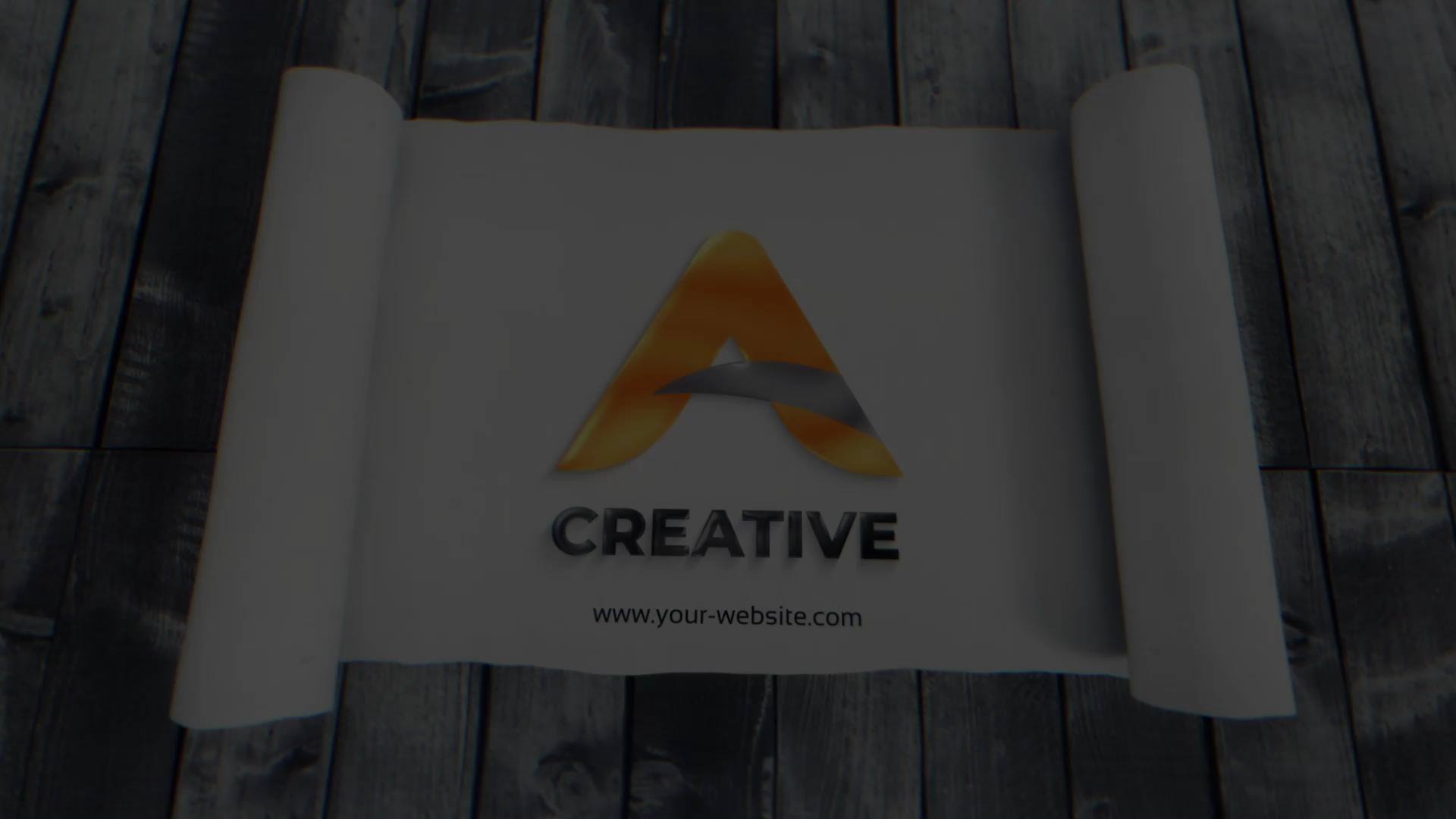
📜 Scroll Unroll Bundle Intro
Scroll Unroll Bundle Intro – Smooth Scrolling Reveal Pack for After Effects
Is a versatile After Effects template designed around smooth scrolling motion and clean content reveals. From the opening moment, the animation creates a natural flow that feels intuitive and modern. As a result, your content appears structured, engaging, and perfectly suited for digital presentations.
🎯 Scroll Unroll Bundle Intro for Modern Content Reveals
The animation unfolds content through vertical scroll and unroll motion that mirrors real user interaction. Because each section appears in a logical sequence, the viewer easily follows the message. Moreover, the smooth pacing keeps attention high while maintaining visual clarity.
🎬 Flexible Editing Inside After Effects
The bundle supports After Effects CC21 and above and features a clean, well-organized timeline. Therefore, you can easily replace text, media, and colors across multiple scenes. In addition, timing controls allow quick adjustments, so the animation adapts seamlessly to different content lengths and formats.
🧩 Ideal for Presentations, Promos, and Digital Platforms
This intro bundle works perfectly for presentations, websites previews, app promos, portfolios, and social media content. Whether you showcase multiple sections, introduce features, or present a visual story, the animation delivers consistency and clarity. At the same time, the modular structure keeps the presentation flexible and easy to customize.
✨ Clean and Scroll-Based Visual Style
The visual design combines smooth scrolling motion, subtle transitions, and modern typography. As a result, the animation feels fluid without visual overload. Moreover, the balanced composition supports clear storytelling and a contemporary digital aesthetic.
📱 Easy Editing and Online Customization
You can edit Scroll Unroll Bundle Intro directly in After Effects for full flexibility. If you prefer a faster workflow, you can also customize the template through the Videobolt online editor. Both options help you deliver polished results with minimal setup time.
For more bundle intros, scrolling reveals, and motion graphics resources, visit motionbank21.com.