🧱 Motion Column Gallery Intro
Motion Column Gallery Intro – Vertical Gallery Reveal for After Effects
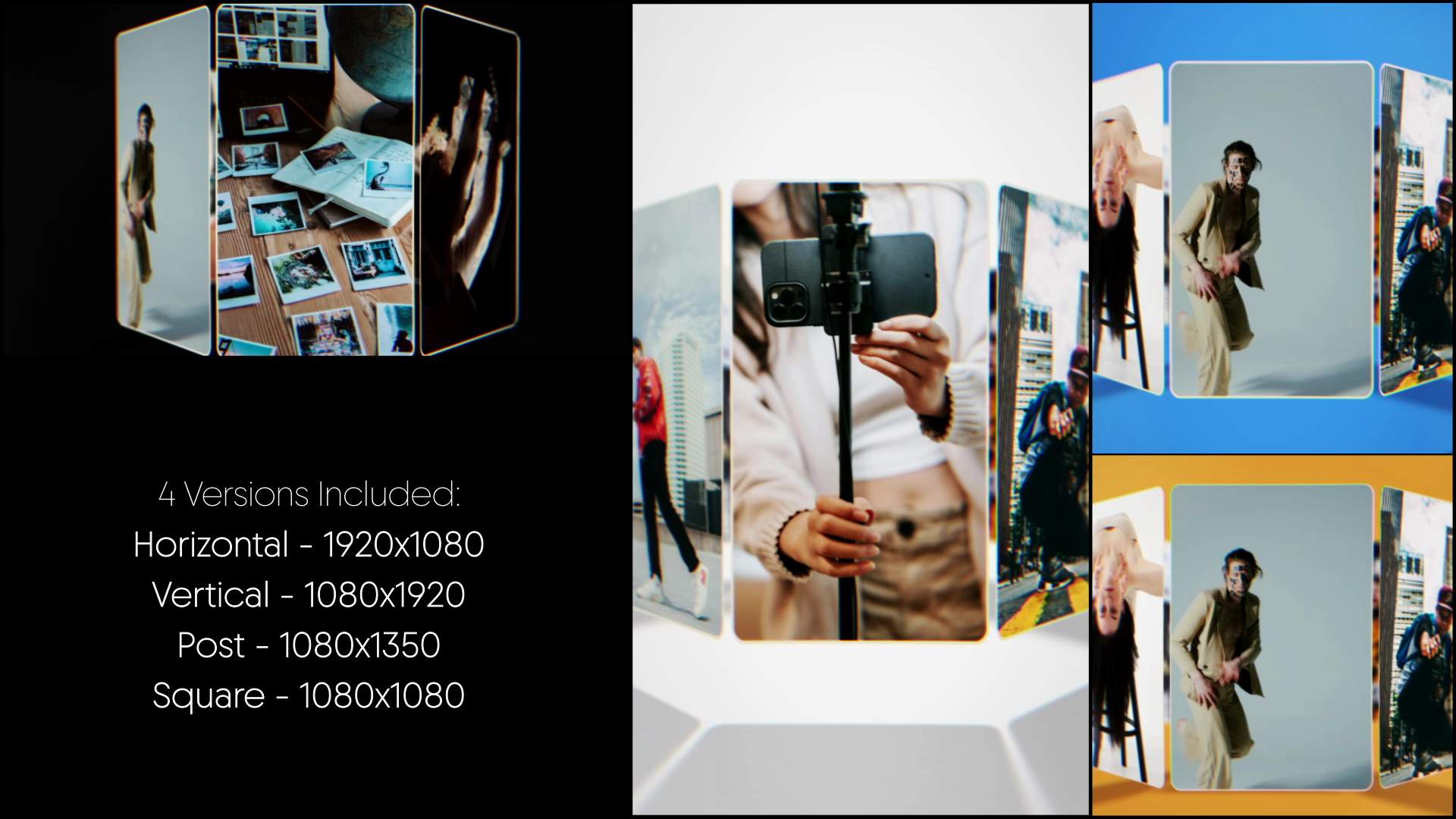
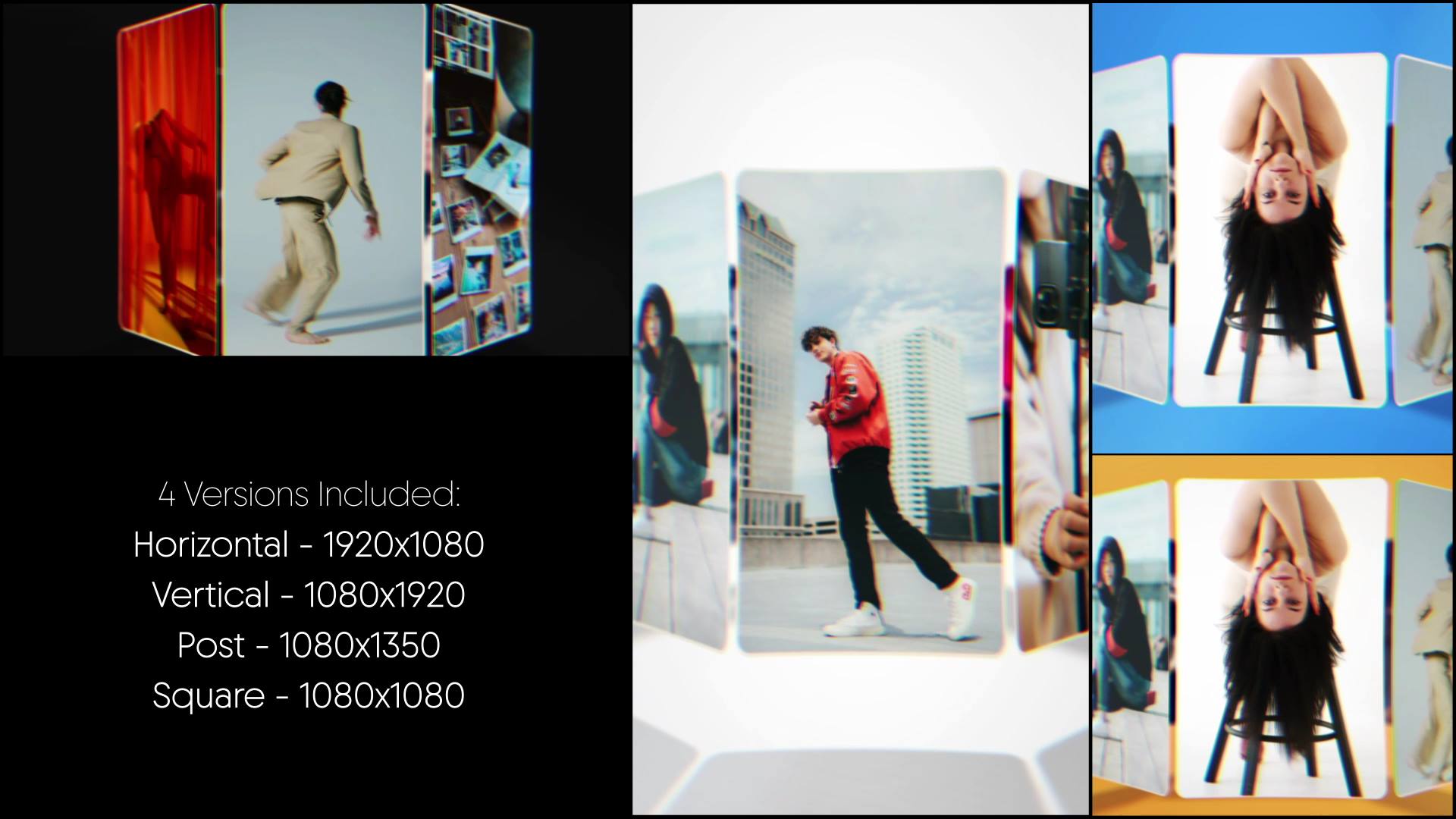
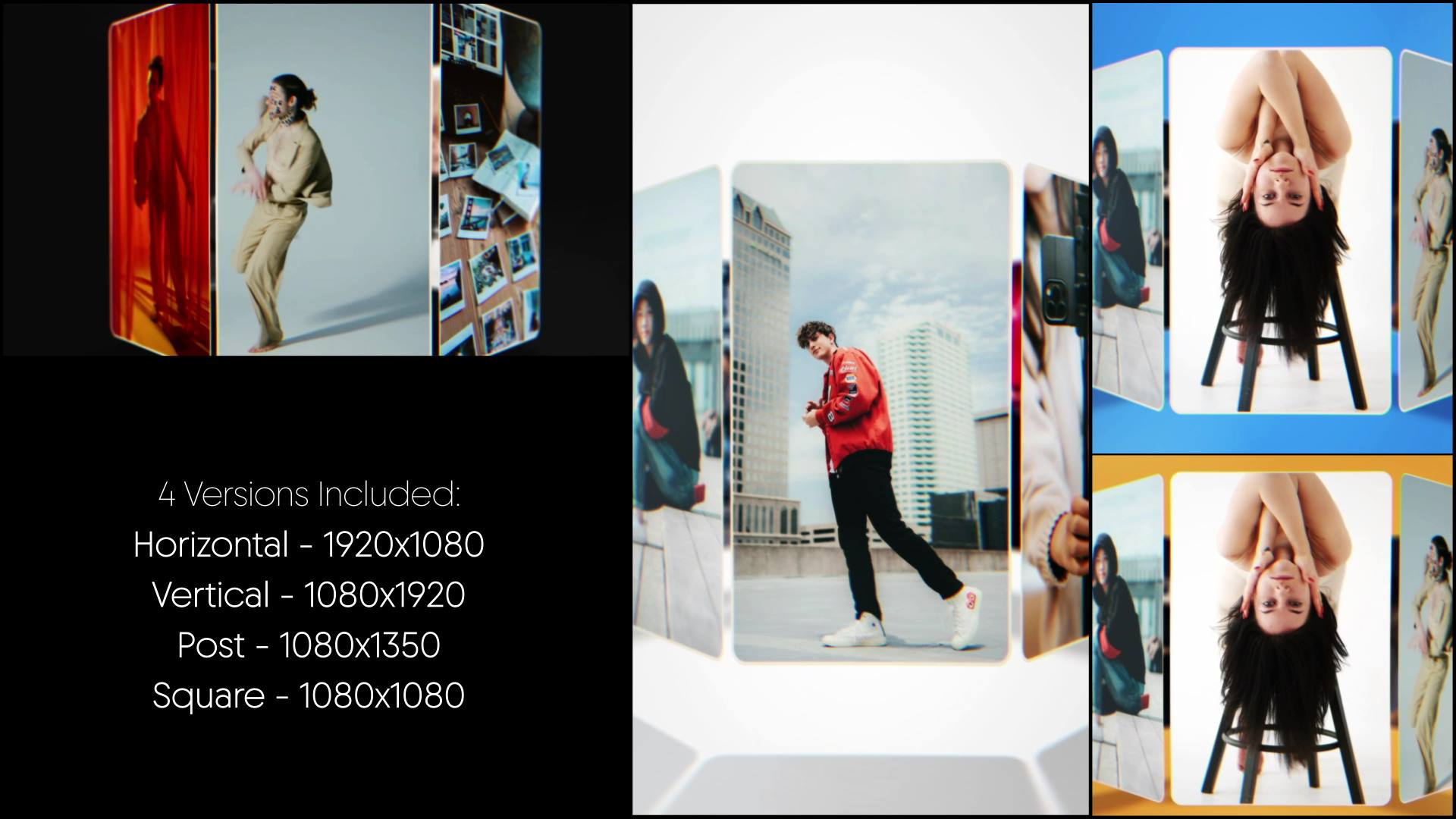
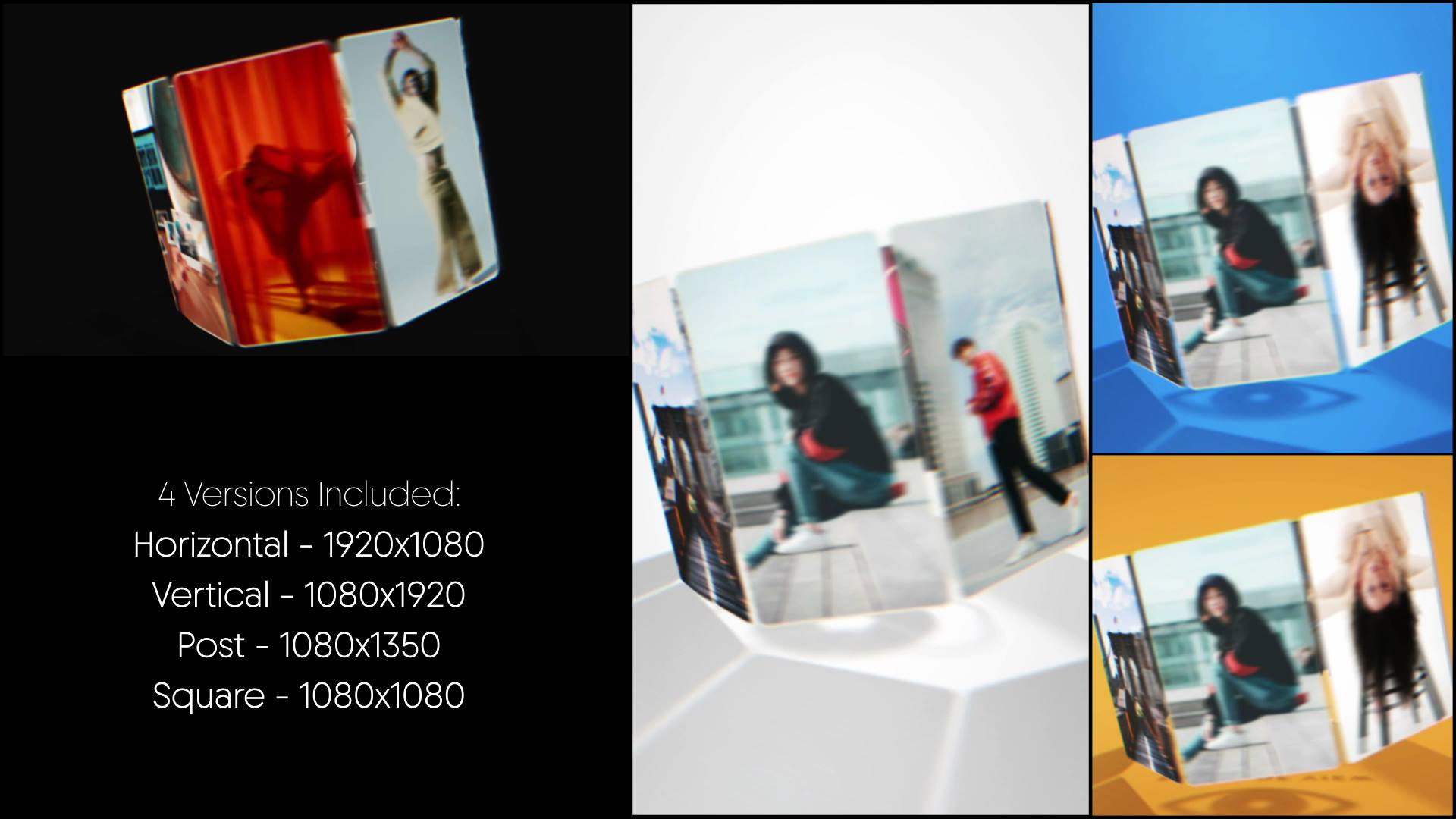
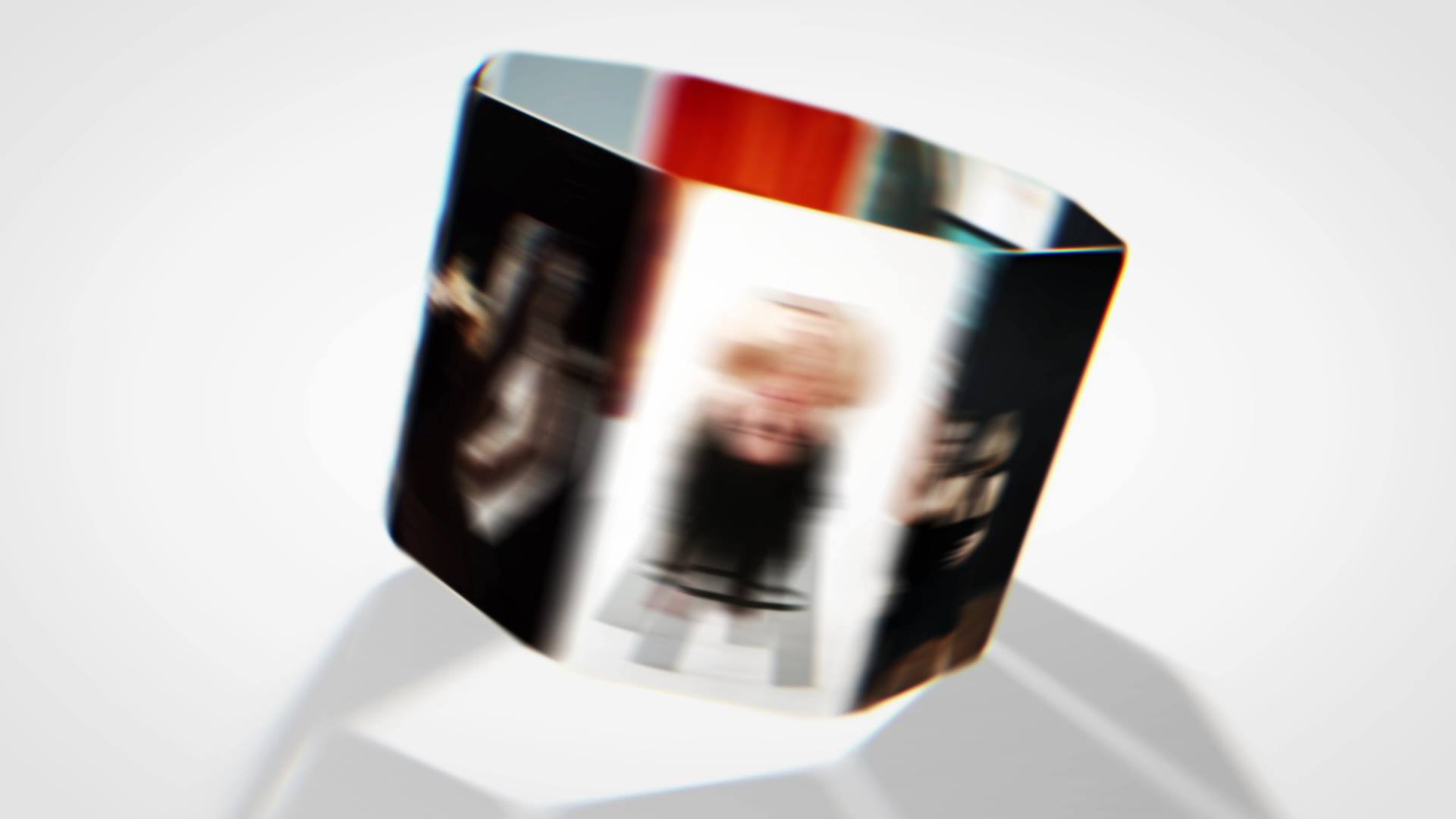
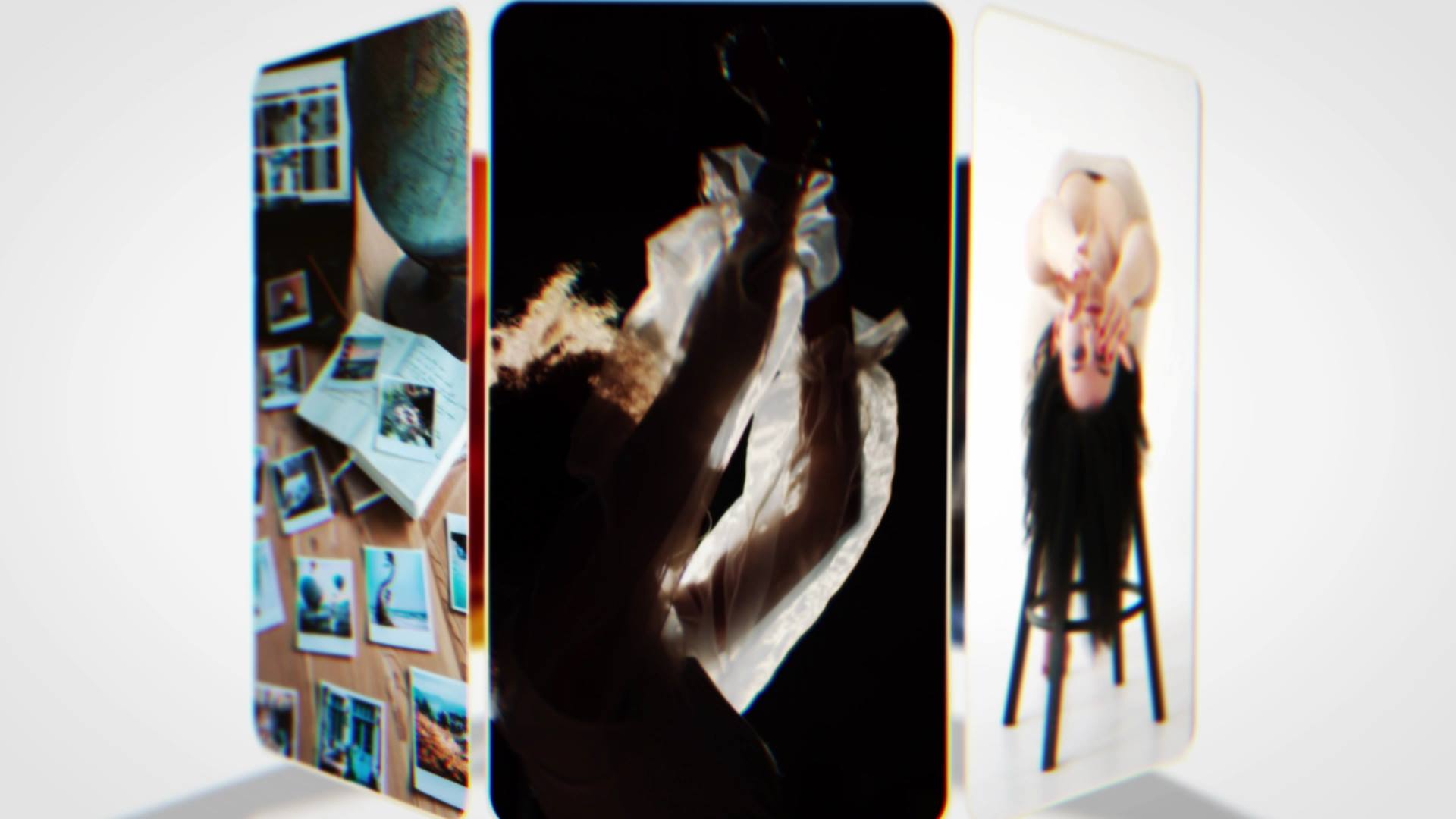
Motion Column Gallery Intro is a modern After Effects template designed to present media through clean vertical columns and smooth motion flow. From the first moment, the animation creates order and rhythm, which helps content feel structured and visually engaging. As a result, your images and videos appear organized, professional, and easy to follow.
🎯 Motion Column Gallery Intro for Structured Visual Presentations
The animation moves content through vertical columns with controlled transitions and consistent pacing. Because each element aligns within a clear layout, the viewer understands the visual hierarchy instantly. Moreover, the steady motion keeps attention focused while allowing each media item to stand out.
🎬 Flexible Editing Inside After Effects
The project supports After Effects CC21 and above and features a clean, well-organized timeline. Therefore, you can easily replace images, videos, and text to match your project. In addition, timing controls allow smooth adjustments, so the gallery adapts to different presentation lengths or styles.
🖼 Ideal for Portfolios, Showcases, and Media Galleries
This intro works perfectly for portfolios, corporate showcases, presentations, and visual galleries. Whether you present projects, products, or creative work, the animation delivers clarity and consistency. At the same time, the column-based layout keeps the presentation clean and visually balanced.
✨ Clean and Structured Visual Style
The visual design combines vertical alignment, subtle motion accents, and modern transitions. As a result, the animation feels dynamic without becoming cluttered. Moreover, the balanced composition supports professional storytelling and a contemporary gallery aesthetic.
📱 Easy Editing and Online Customization
You can edit Motion Column Gallery Intro directly in After Effects for full flexibility. If you prefer a faster workflow, you can also customize the template through the Videobolt online editor. Both options help you deliver polished results with minimal setup time. However, if you prefer faster adjustments, you can use the Videobolt online editor, which simplifies customization even further. Additionally, both workflows guarantee consistent output and efficient project delivery.
For more templates, motion graphics tools, and creative assets, explore motionbank21.com, where new resources are frequently added to support your ongoing production needs.