⚡ Dynamic Glitch Unveil
Dynamic Glitch Unveil – Modern Digital Glitch Logo Reveal for After Effects
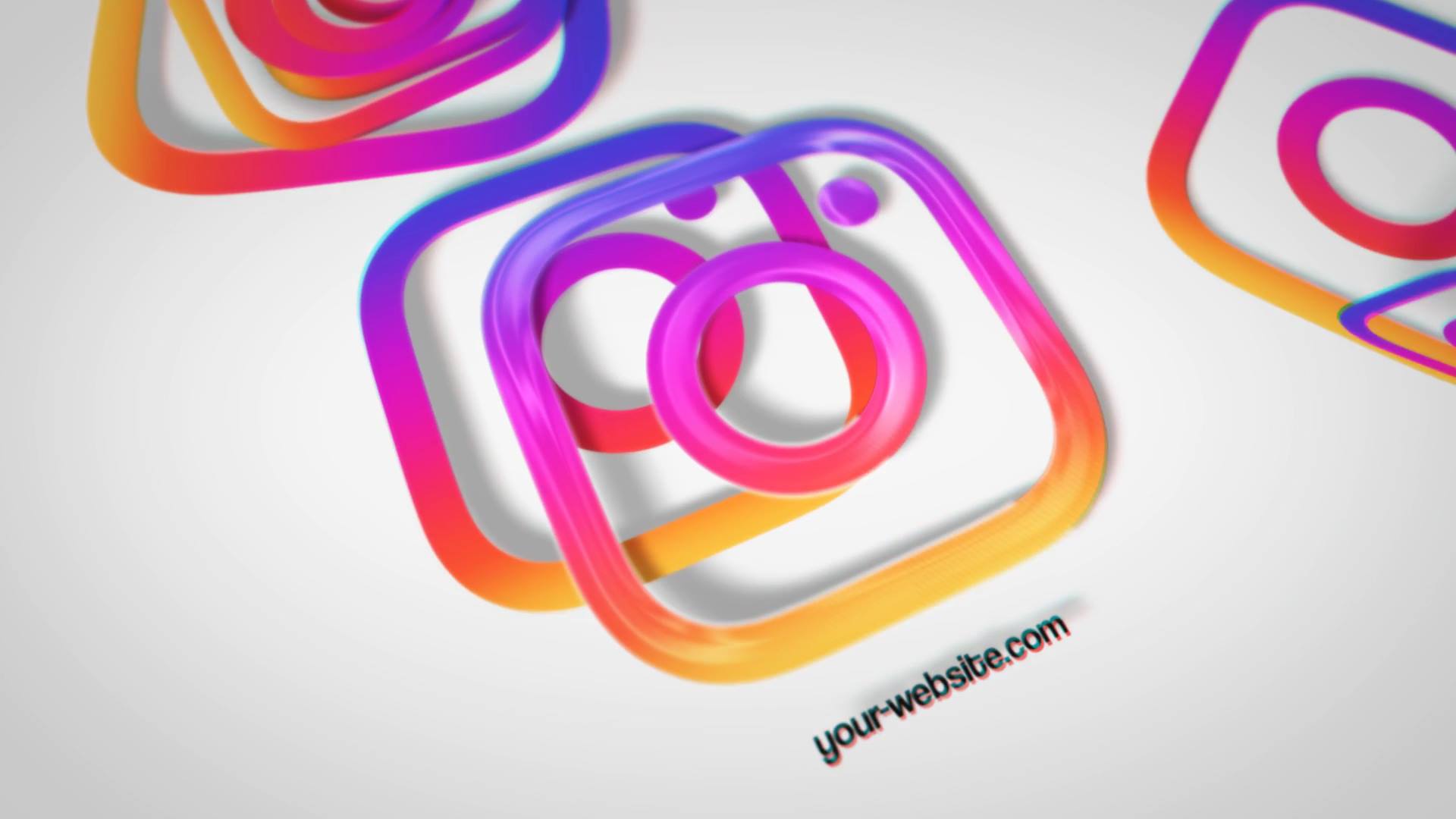
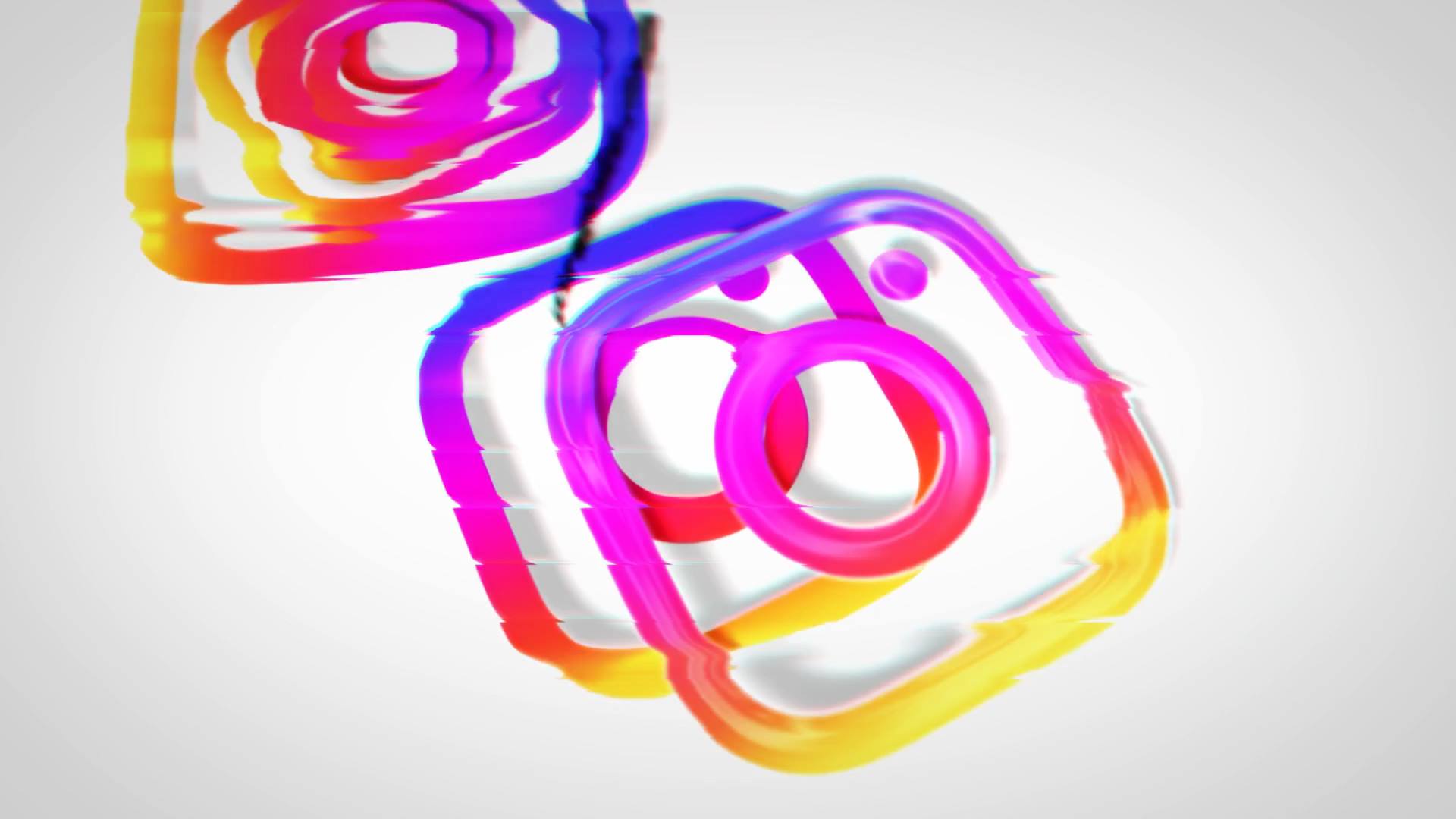
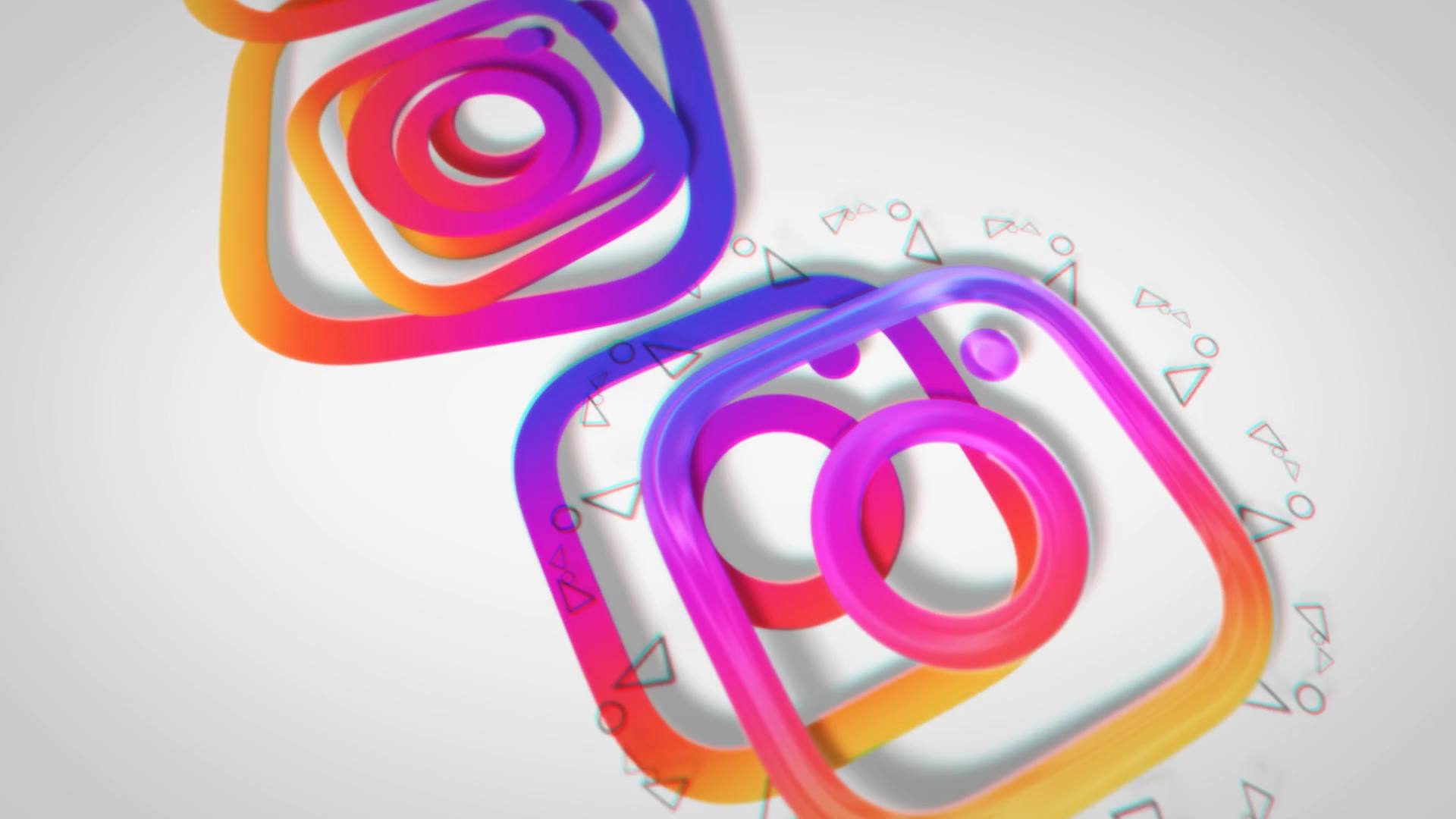
Dynamic Glitch Unveil is a high-energy After Effects template designed to introduce brands with sharp digital glitches and fast-paced motion. From the opening moment, the animation creates tension through distorted transitions, scan effects, and precise timing. As a result, your logo appears edgy, modern, and instantly attention-grabbing.
🎯 Dynamic Glitch Unveil for Digital and Tech Branding
The animation reveals content through glitch distortion, rapid transitions, and controlled chaos. Because each glitch element appears with intention, the viewer quickly locks onto the logo. Moreover, the rhythmic visual breaks enhance impact while keeping the message clear and readable.
🎬 Flexible Editing Inside After Effects
The project supports After Effects CC21 and above and features a clean, well-organized timeline. Therefore, you can easily replace logos, text, and colors to match your brand identity. In addition, timing controls allow precise adjustments, so the glitch intensity adapts smoothly to different moods and platforms.
🚀 Ideal for Gaming, Tech, and Cyber Projects
This logo reveal works perfectly for gaming channels, tech brands, esports teams, cyberpunk visuals, and modern promos. Whether you launch a digital product or open a high-energy video, the animation delivers attitude and visual punch. At the same time, the structured layout keeps the presentation professional and focused.
✨ Sharp and Digital Glitch Visual Style
The visual design combines glitch artifacts, scan lines, digital noise, and fast motion cues. As a result, the animation feels aggressive without visual overload. Moreover, the balanced composition supports modern digital storytelling and a futuristic aesthetic.
📱 Easy Editing and Online Customization
You can edit Dynamic Glitch Unveil directly in After Effects for full flexibility, or customize it faster using the Videobolt online editor, which allows quick changes without installing software. At the same time, more glitch logo reveals, cyber intros, and modern motion graphics are available on motionbank21.com.