🌾 Dark Harvest Intro
Dark Harvest Intro – Atmospheric Autumn Horror Reveal for After Effects
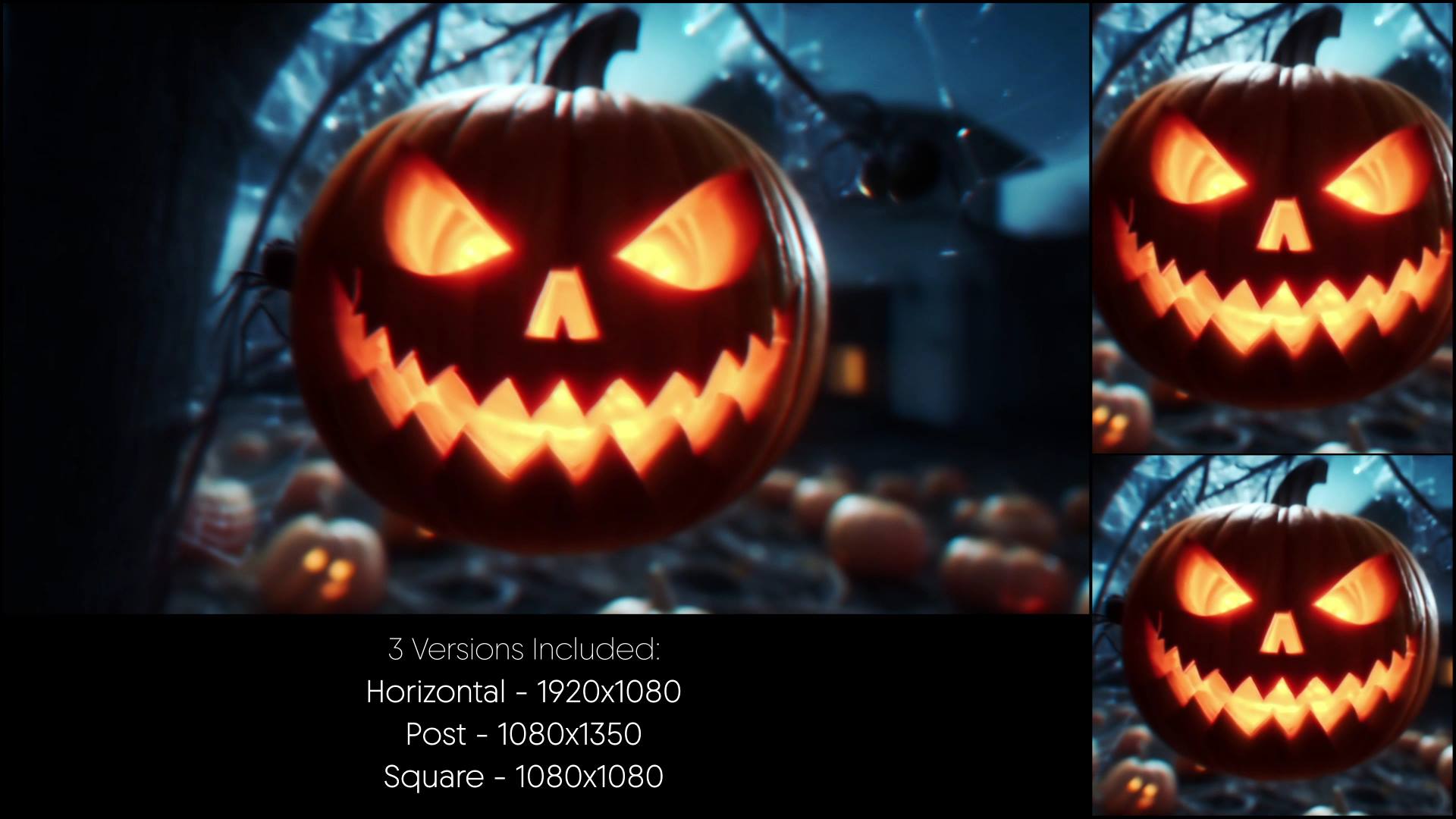
Dark Harvest Intro is an atmospheric After Effects template inspired by autumn fields, shadows, and eerie harvest-themed motion. From the opening moment, the animation creates a dark seasonal mood that feels cinematic and unsettling. As a result, your logo or message appears dramatic, immersive, and perfectly suited for dark storytelling.
🎯 Dark Harvest Intro for Seasonal Horror Branding
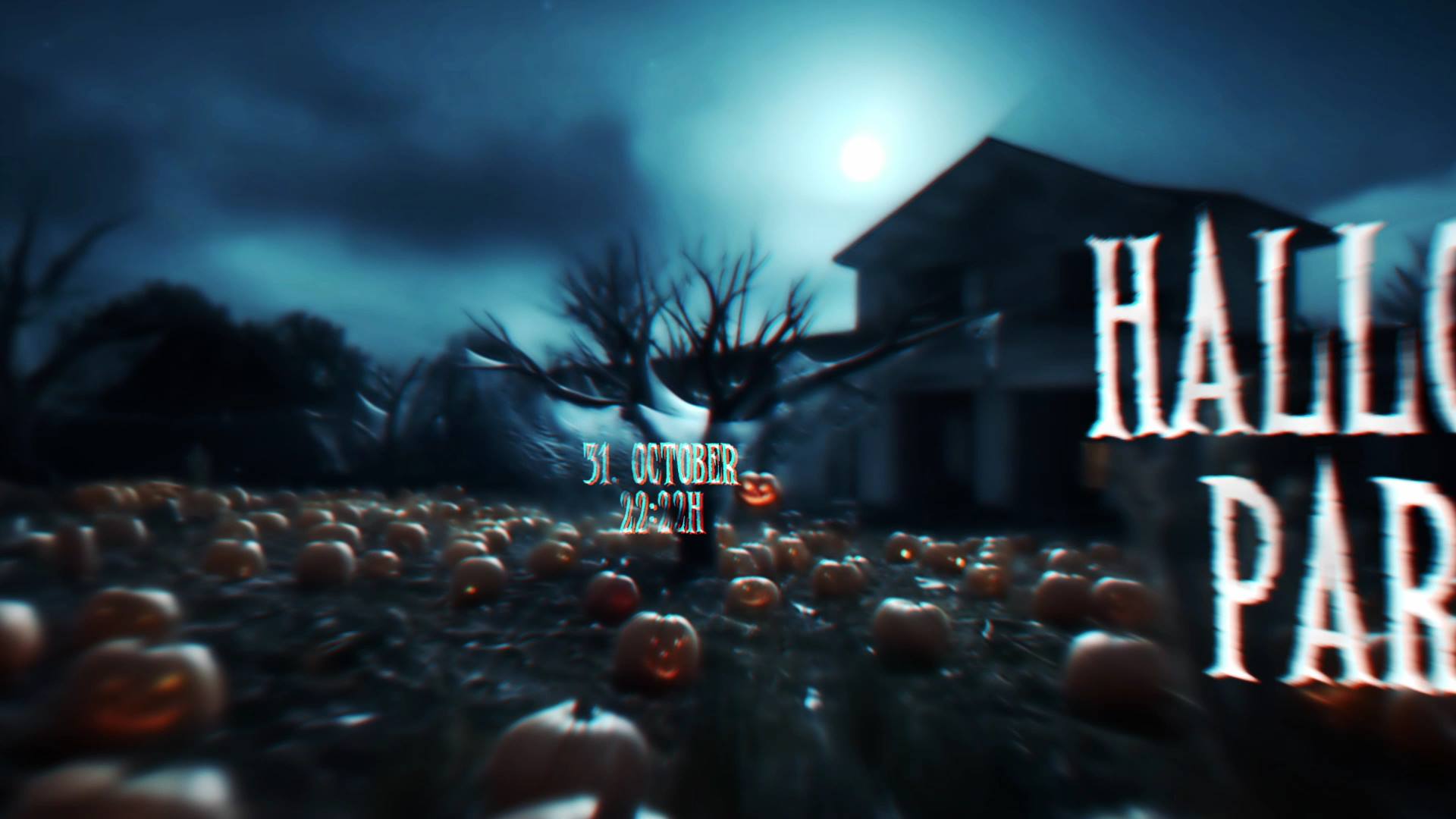
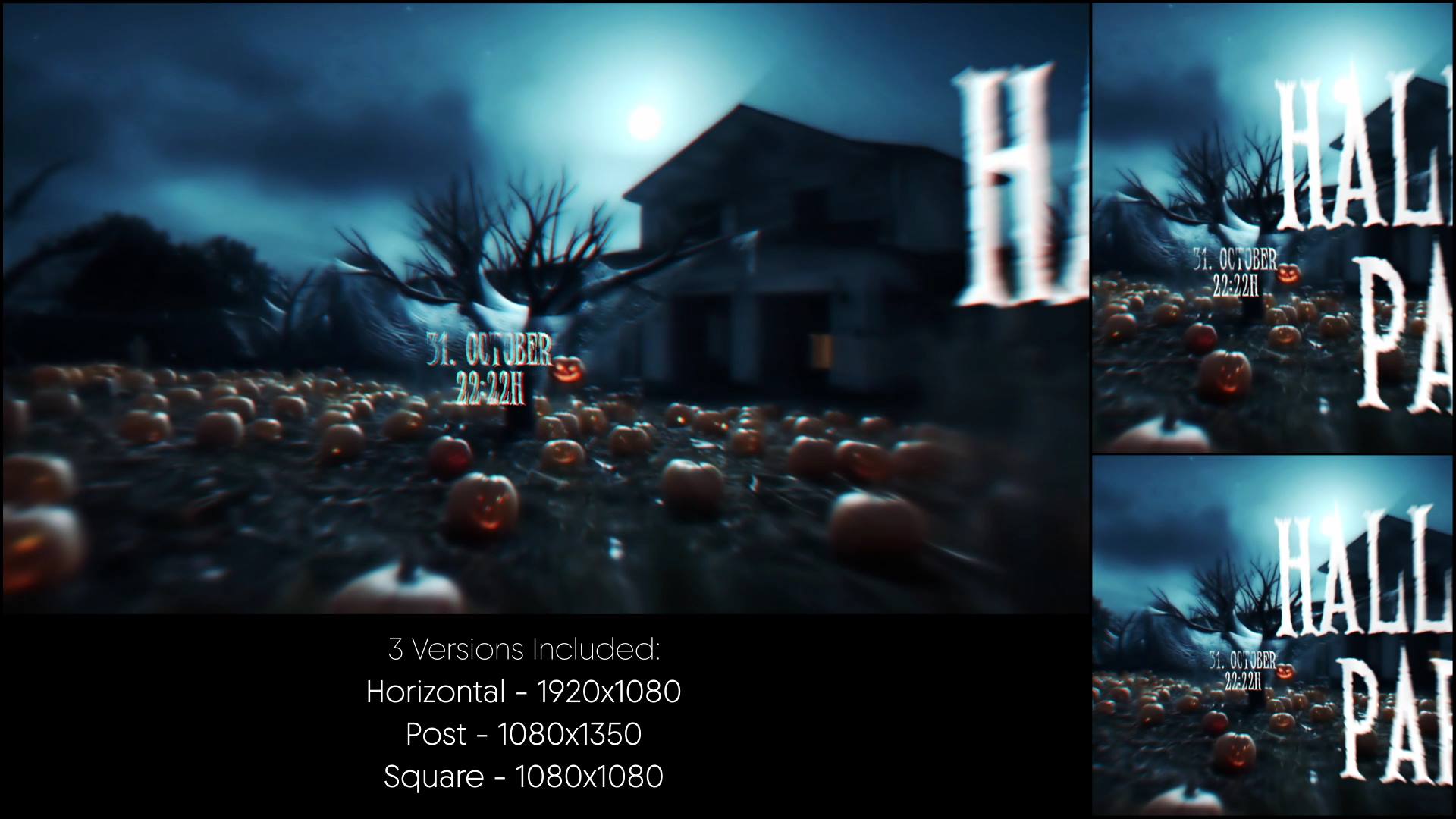
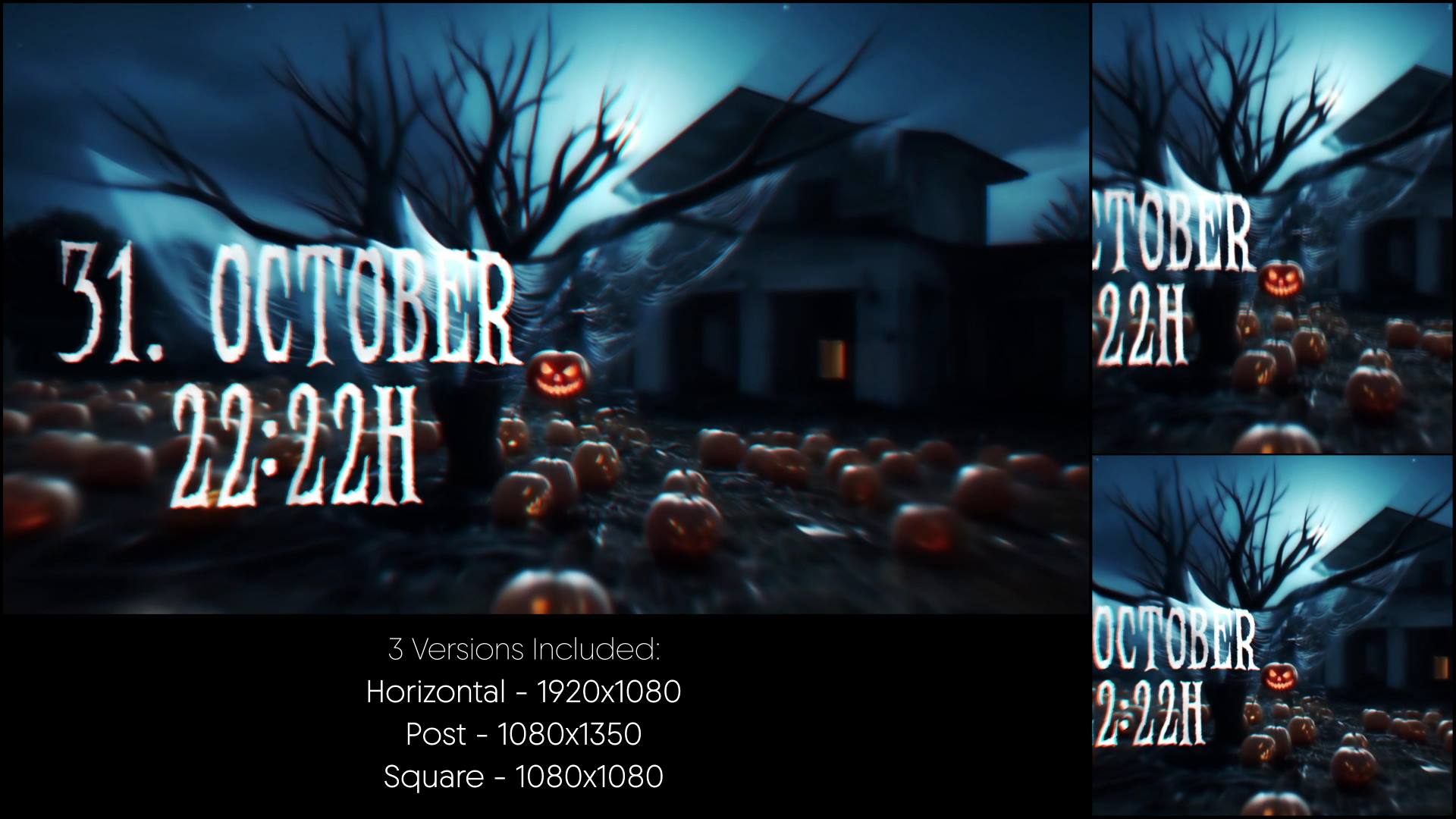
The animation unfolds through shadowed landscapes, slow motion accents, and moody lighting. Because each element enters with controlled timing, suspense builds naturally across the reveal. Moreover, the steady pacing reinforces the dark harvest theme and leads smoothly to a powerful final moment.
🎬 Flexible Editing Inside After Effects
The project supports After Effects CC21 and above and features a clean, well-organized timeline. Therefore, you can easily replace logos, text, and colors to match your seasonal or horror branding. In addition, timing controls allow precise adjustments, so you can fine-tune atmosphere and reveal speed.
🕯 Ideal for Halloween, Horror, and Autumn Projects
This intro works perfectly for Halloween promos, harvest-themed visuals, horror branding, and seasonal campaigns. Whether you open a video, promote an event, or introduce a dark concept, the animation delivers mood, tension, and strong visual impact. At the same time, the structured layout keeps the message clear and engaging.
✨ Dark Seasonal Visual Style
The visual design combines autumn textures, shadowed environments, fog accents, and subtle motion details. As a result, the animation creates depth and atmosphere without visual overload. Moreover, the balanced pacing supports cinematic horror storytelling and keeps attention focused on the reveal.
📱 Easy Editing & Online Customization
You can edit directly inside After Effects. However, if you prefer faster adjustments, you can use the Videobolt online editor, which simplifies customization even further. Additionally, both workflows guarantee consistent output and efficient project delivery.
For more templates, motion graphics tools, and creative assets, explore motionbank21.com, where new resources are frequently added to support your ongoing production needs.